WEB DESIGN STYLE GUIDES

WEB DESIGN STYLE GUIDE VS. BRAND STYLE GUIDE

A website style guide is a collection of pre-designed elements, graphics and rules designers or developers should follow to ensure that separate website pieces will be consistent and will create a cohesive experience at the end.

A brand style guide is the primary visual DNA of your company's branding, though it can also reference grammar, tone, word usage and point of view. Essentially, it's a document that describes, defines and presents examples of what your brand looks like in various visual media such as print, Internet and broadcast.

How do Web Design Style Guides and Brand Style Guides apply to OE Production Workflow?
As far as our OE Production Workflow goes, creating a website becomes a 50/50 job in this case. 50% of the job is done by the Copywriting and Sales/AC/DC teams (establishing contact with the client, gathering assets and user/business goals, etc) and 50% by the Desing Team. 

It is important to ensure that design is consistent and optimized to meet business objectives and create enjoyable experiences for users, and this is not possible unless all assets are gathered before the production of a site starts. This is our starting point in creating our own Website Design Style Guide. After studying the clients' brand (via brand style guides), business requirements, user goals, target audience, images, copy, video, color preferences and font usage, we can start to create our own Website Design Style Guide. This will help you create a concise, clean and consistent layout.

CREATING YOUR OWN WEB DESIGN STYLE GUIDE

After studying the design brief, copy template and main copy (if the case), doing research on competitor websites and studying the likes and dislikes the client has sent over, you can start working on creating your own Website Design Style Guide while taking into account the clients:


  • Brand
  • Typography - examples selected
  • Color Palette 
  • Copy / Voice of Copy
  • Iconography
  • Imagery
  • Buttons
  • Spacing 
  • Forms


Establishing these key points from the start will ease your work load when starting the design on your homepage and rest of the pages.

STUDY THE BRAND - MAKE USE OF BRAND STYLE GUIDES, IF PROVIDED

How does studying the Brand Style Guide apply to OE Production Workflow?
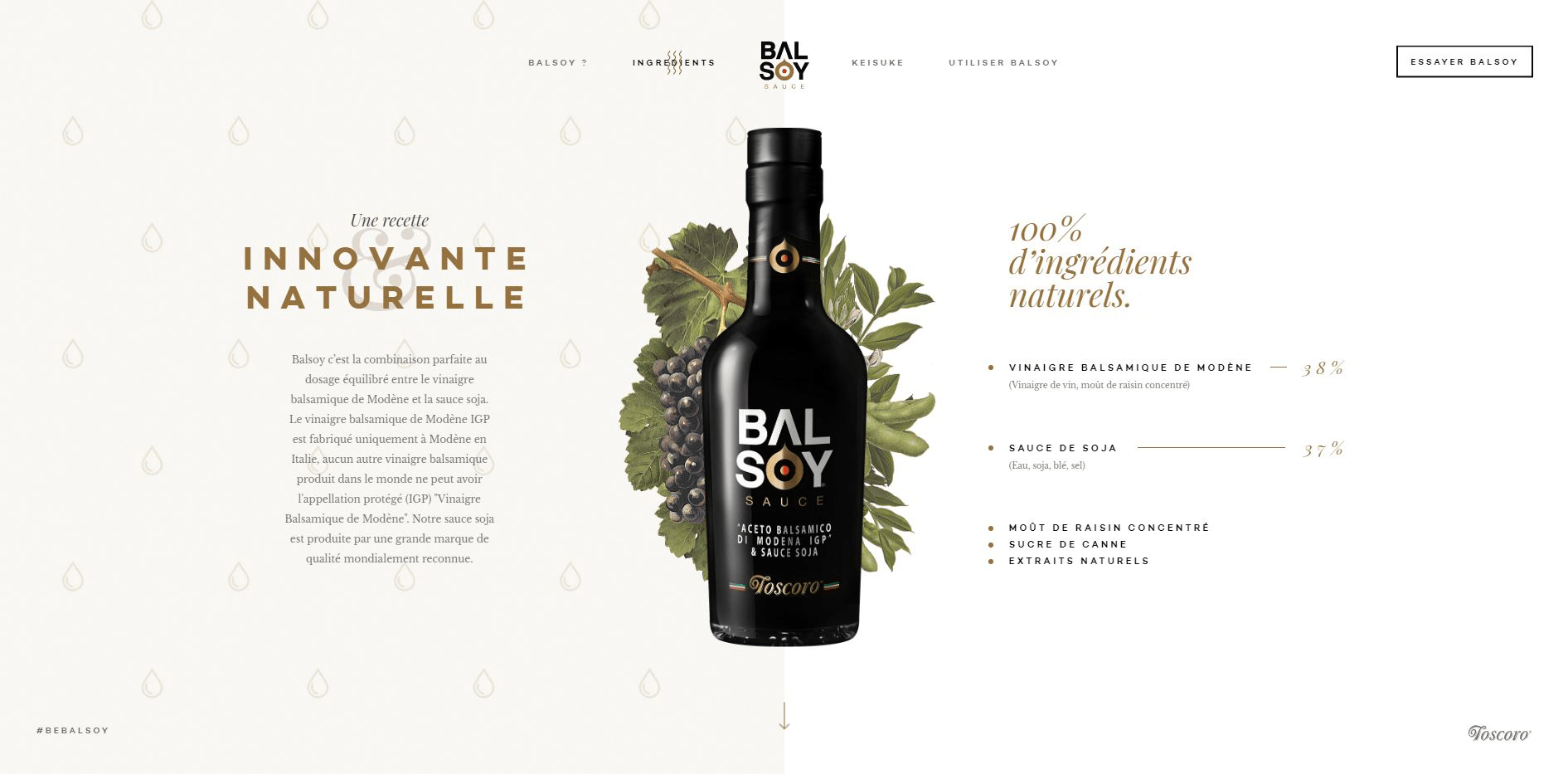
While not all clients provide a brand style guyide we can follow, having one helps you cut time on selecting the color pallet, typography (font-size, letter-spacing and weights, uppercase or lowercase use), spacing and sometimes even type if imagery used.

If a style guide isn't provided, make use of the clients' logo and try to create your own. By this I don't mean an actual document with all the requirements mentioned above. Just create your own system of styles to use throught your website for maximum efficiency and consistency.

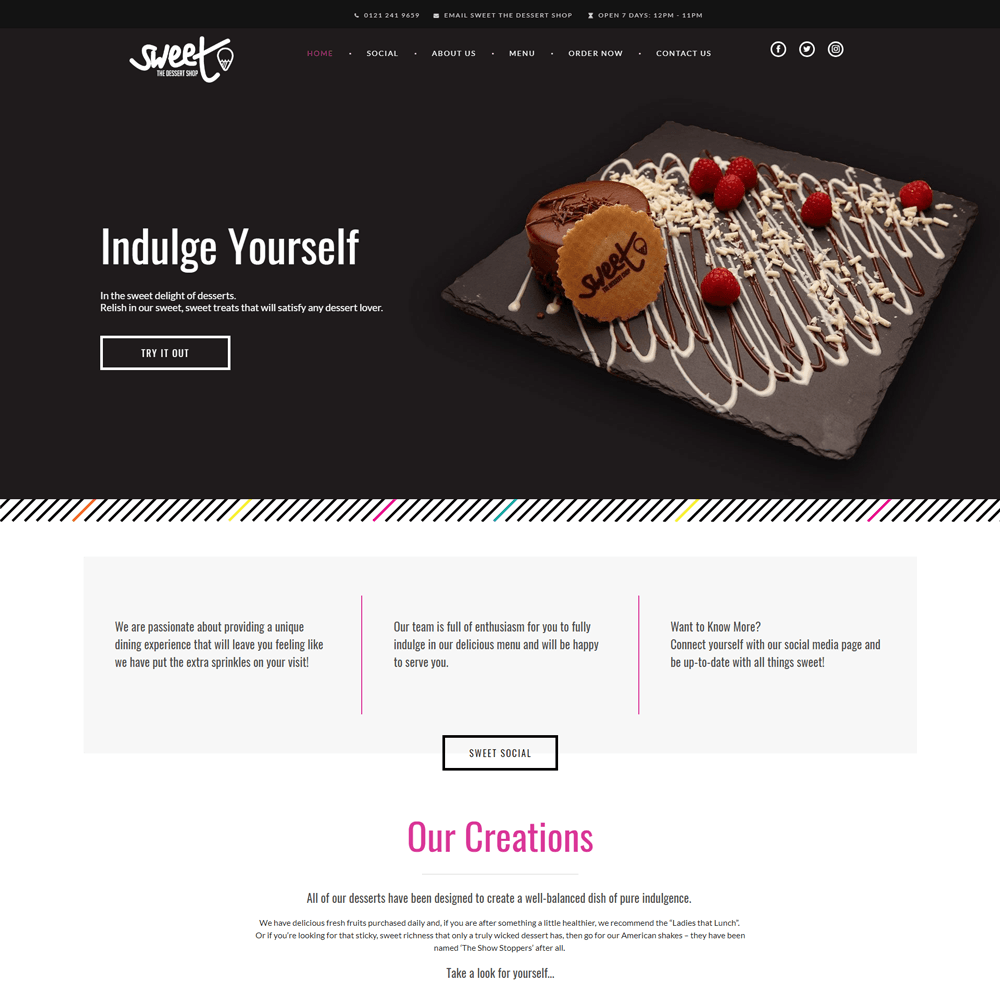
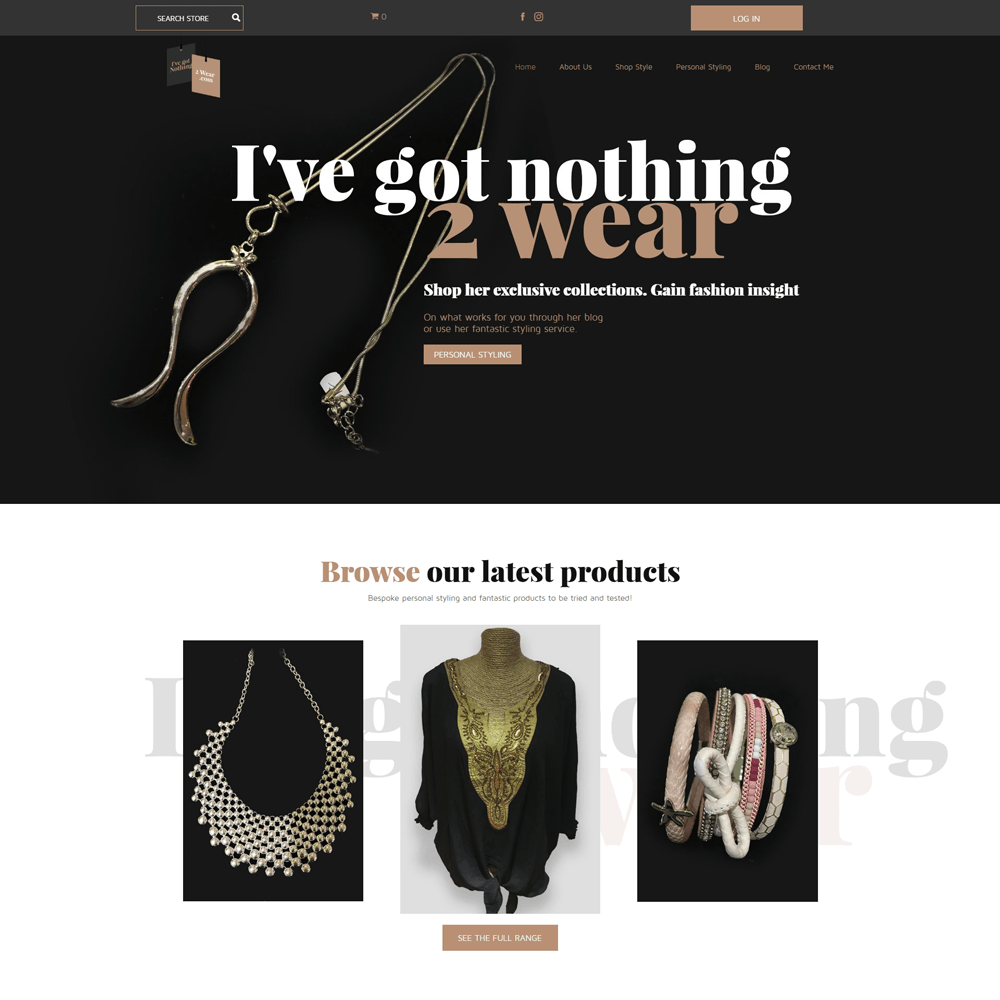
Sometimes, particulary in restaurant businesses, the client can provide a menu already branded, which you can use as a style guide for your site. Take for example: https://www.sweet-thedessertshop.com

DEFINE THE TYPOGRAPHY

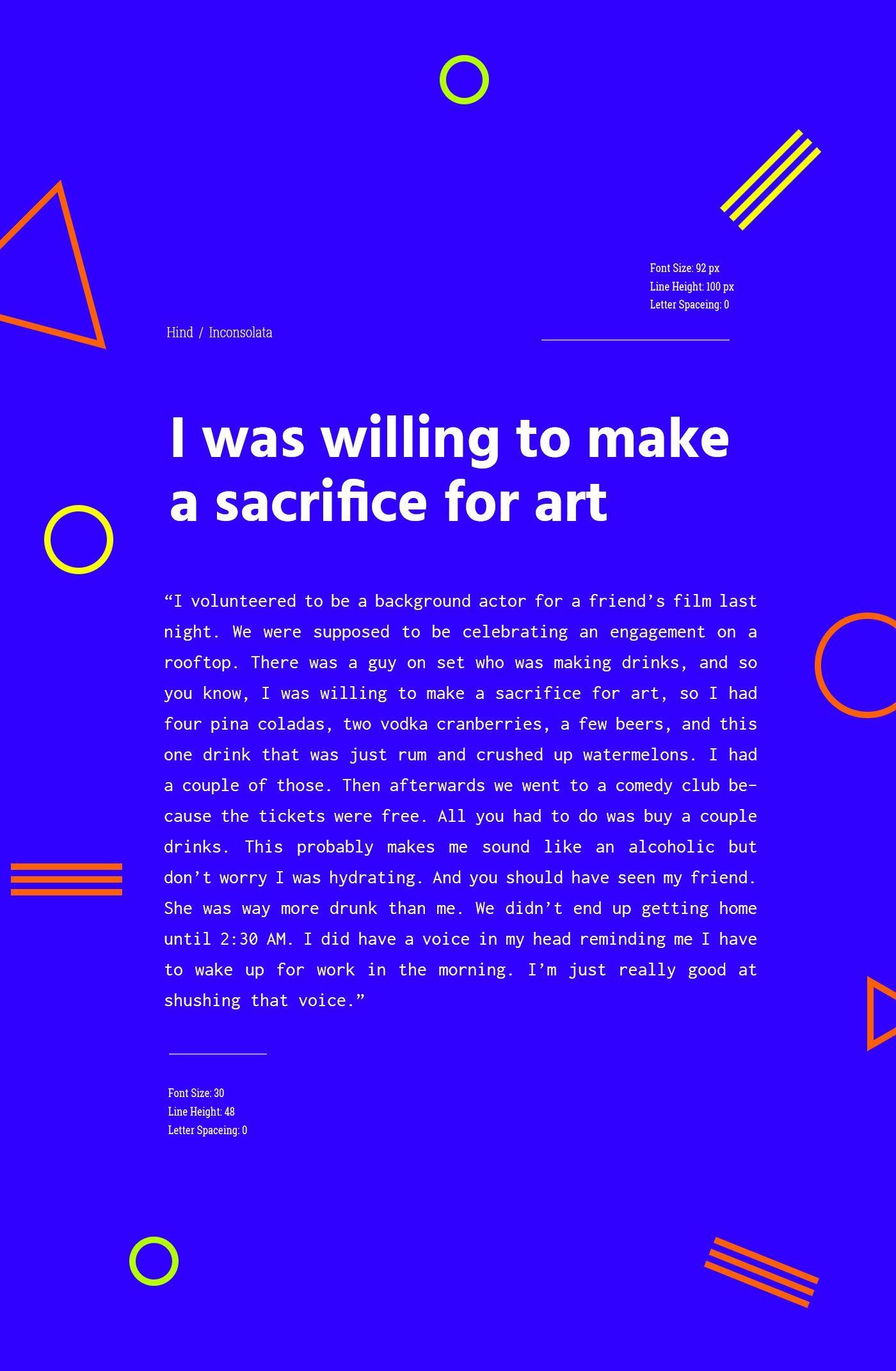
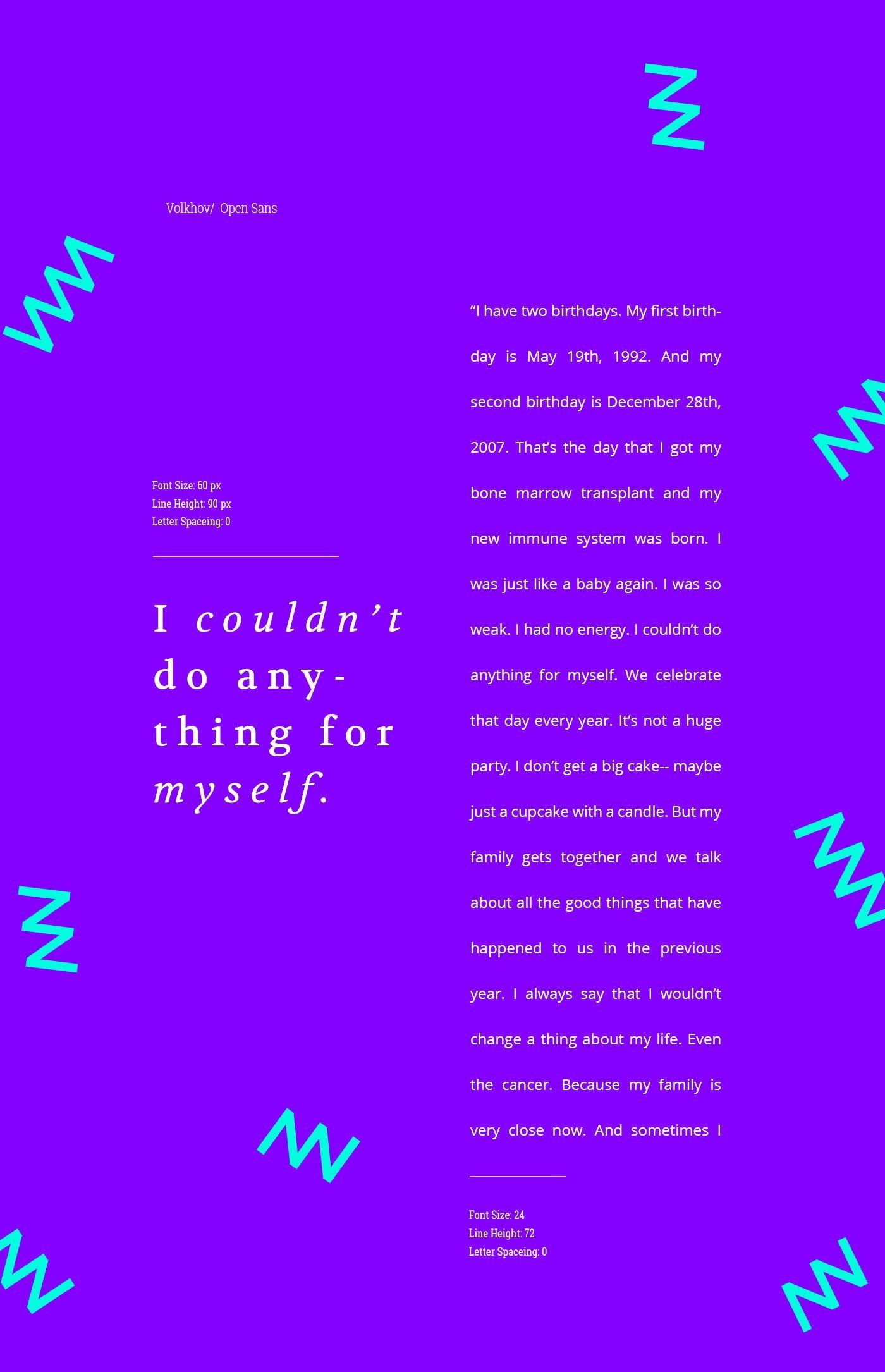
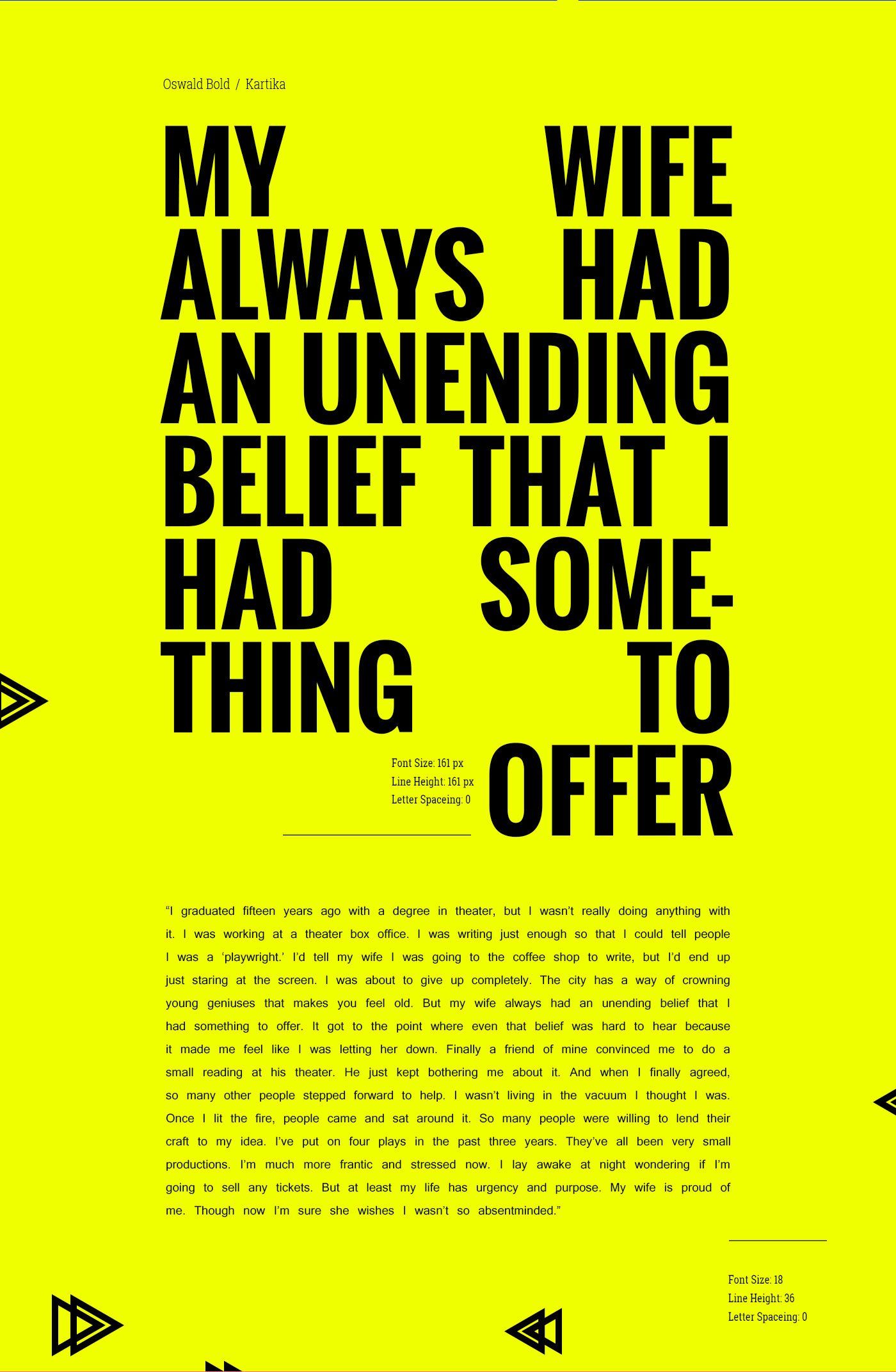
Good font selection and styiling, can sum up to 95 percent of your web design, according to Oliver Reichenstein, however in practice I'd say it's about 70%. The right typography becomes the most important communication tools between visitors and your website and since "Content is King" (Bill Gates, 1996) it is important to pair it with the appropriate font.

Set hierarchy and identify it. There are headline types: h1,h2, h3, h4, h5 and h6. Then body copy, bold and italic variations. Think about custom copy that will be used for smaller links, intro text and so on. Thni of the font family, weight and colors you will use.

How should Typography be selected in my OE Production Workflow?
Eveybody has a different working method, and every client has a vision of the type of font they want used on their website. This is usually reflected in the logo font or design brief selection. 

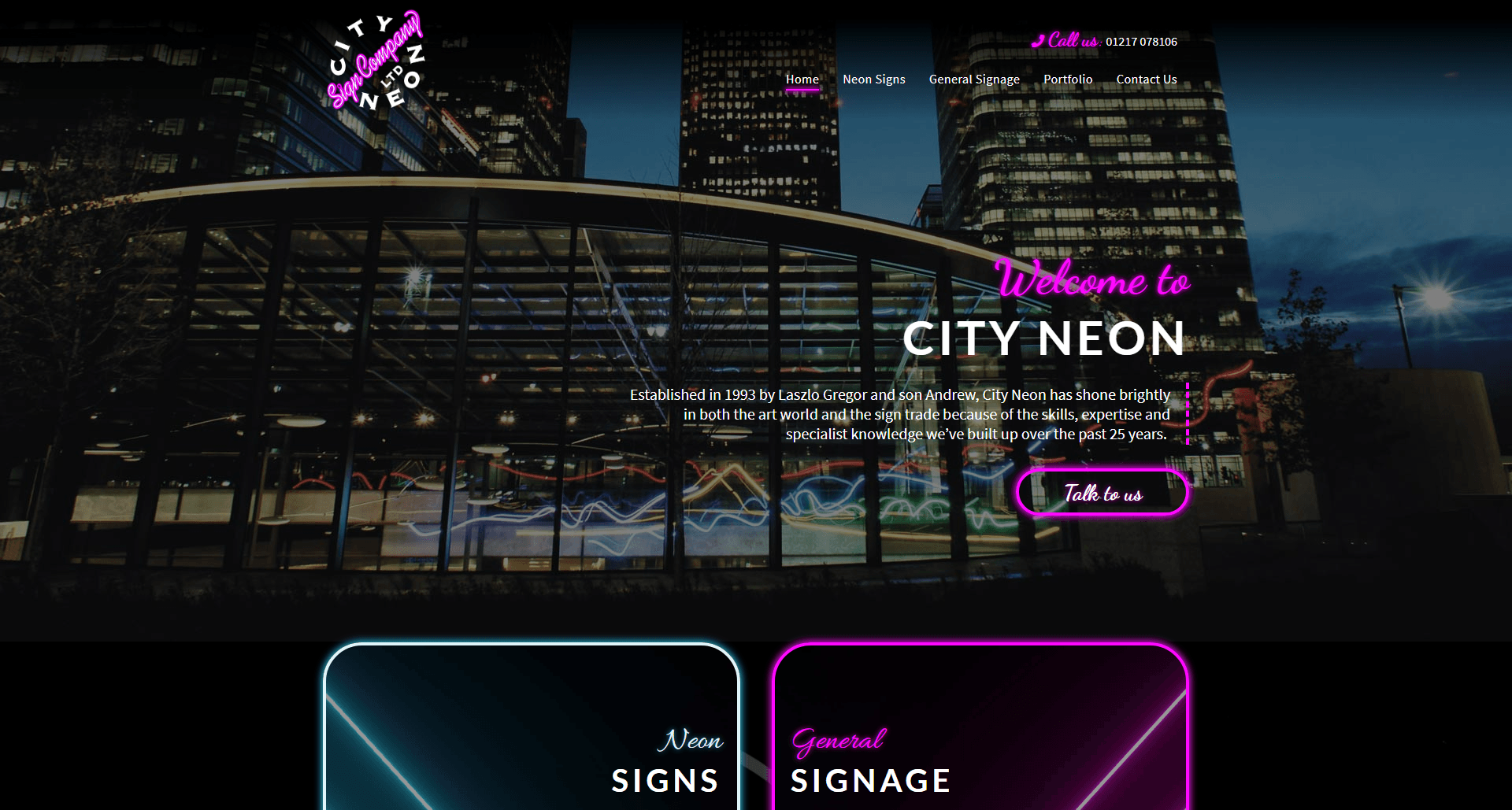
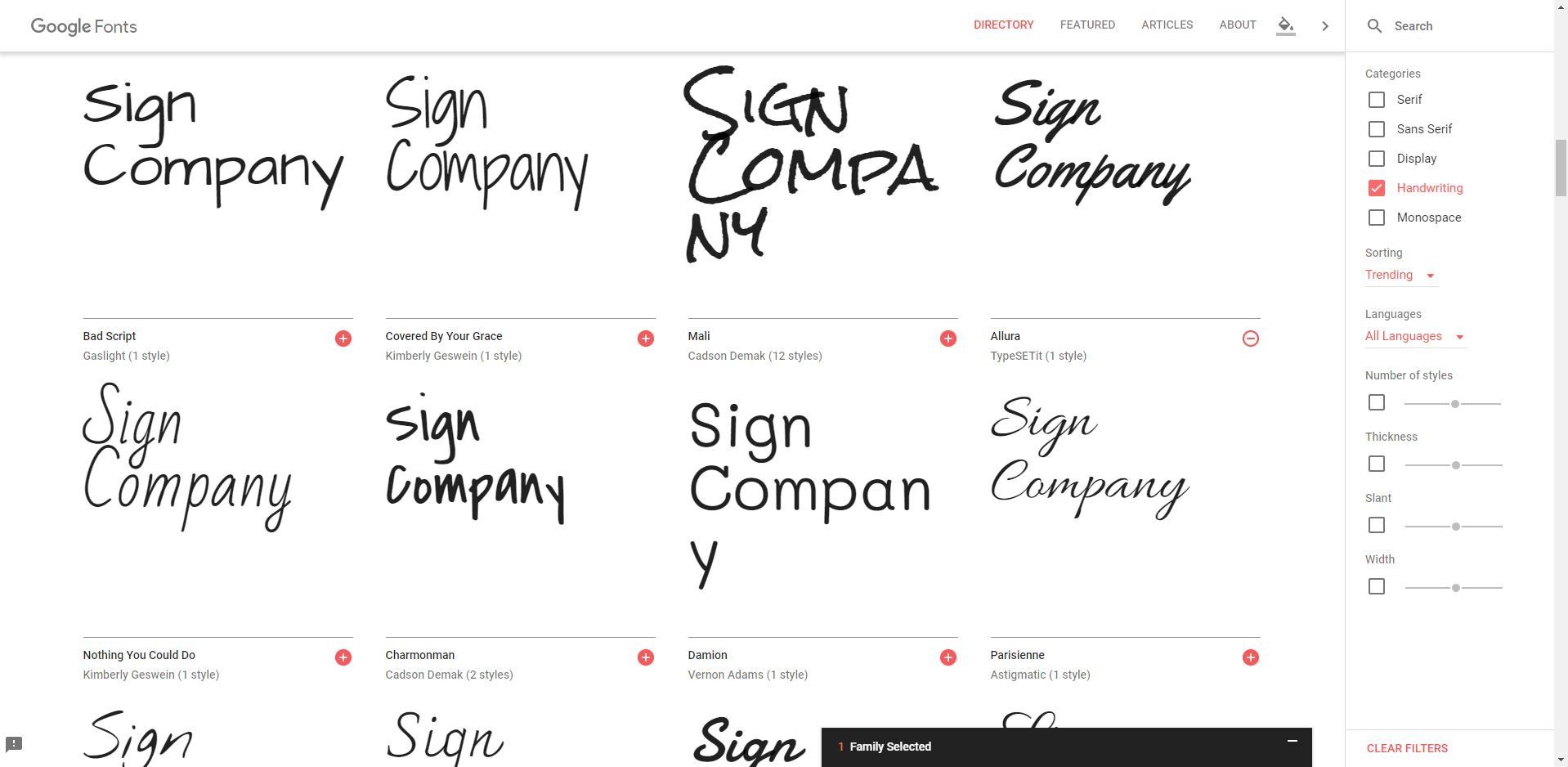
Now the question is do you go for the font the client selected or the one used in the logo. This is mostly a judgement call, but in a rush to get the design brief complete the clients may pick a random font combination that, when paired with their logo creats visual inconsistency. Taking this into account try using either the font the client has in the logo or make use of https://fonts.google.com/ and find one similar.

Due to design trends coming and going, if you ever need inspireation in selecting your font, sizes, styles, weights, etc. you can always consult: https://www.awwwards.com/mireia_ortega/collections/typography-inspiration/

Can we use a client's custom font?
We can, but it's mostly recommended that we use web safe fonts. Should a client insist in using a custom font we'd need the .woff (Web Open Font Format), .ott (OpentType Format), .ttf (TrueType Format) and licence file and one or two font family selections, as failsafe fonts. 

Do font-sizes affect SEO in any way? Could we use the same font-size for h1 and h2 when sectioning the content of a site?
Font size impacts user experience. While Search spiders do look for usage of bold, italics and H1 tags on a web page different font sizes to your h1 and h2 do not affect SEO. 

Font-selection for your site : design brief or logo fonts?
A combination of both is ideal, if both are supplied. If you don't have a logo then use the fonts selected by the client or recommend one for them. If you do have a logo theN using one of the fonts from the logo is ideal. This enfoces brand consystency. In case you are missing the name of the font used in the logo or require one similar in style, make use of https://fonts.google.com/ and write the text you have in the logo. Study the fonts and pinpoint the one closest to your logo.

Typography - useful links
Make use of Behance for inspiration

COLOR PALETTE

Begin by setting primary colors for your style guide that will dominate your website, dominant colors should include no more than three shades. In some cases, however, you will need secondary and even tertiary colors to illustrate your user interface, make sure you define them too. Also include neutral colors like white, grey and black for the primary brand colors to stand out.

What do you do if a client does not provide a color palette?
You can always make use of the client's logo to create one and in the event that the client does not have one, study the competitor websites and websites that have the same line of business as your client, while taking into account the client's culture and target audience.

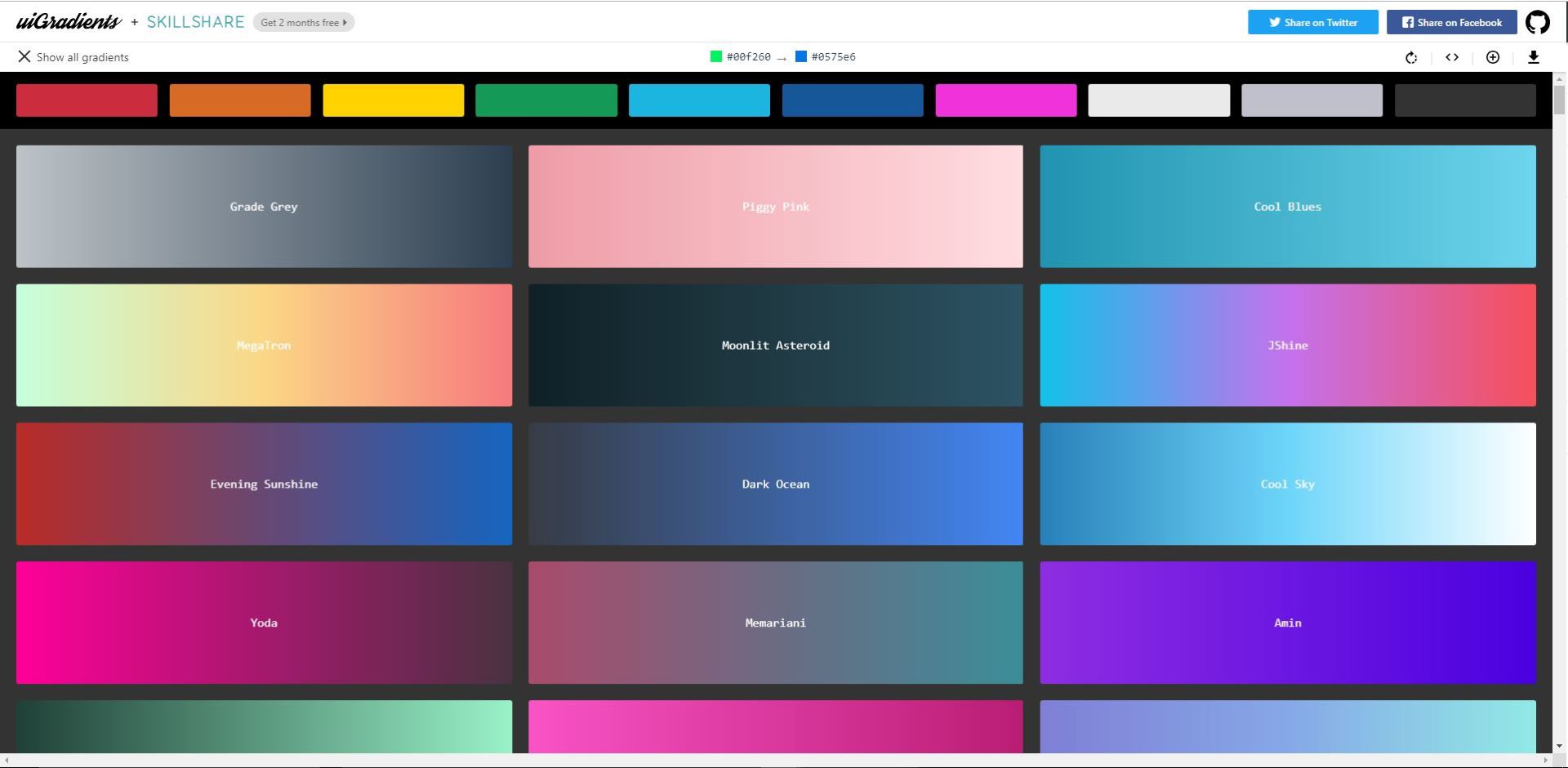
To use or not use gradients?
Used accordingly. Gradients can direct your user's attention where you want it to go and even help classify your information and give visual cues to your users on where to find these. Take for example https://githubuniverse.com/ where you have accents of gradients associated with they key user goals: Discover, Learn and Connect.

VOICE OF THE COPY

Depending on your target audience the style or voice of your copy may vary. If the target audience for your site are youths between 18-25 yeas old, then the voice has to be professional yet funny and welcoming. Instead of stating “You’ve got 404 error” you can say “Oh boy, you’ve broken the interwebs. 404 error.” If your clients' business is more corporate based, with a target audience between 25-35 + years old, you wouldn’t use the same type of message for a 404 error. You'd use something more stantard "Page not found: The page you are looking for doesn't exist.'

What do you do if your clint does not have a copywriting service to determine the voice of the copy? 
You read and segmentate the client's copy to define the structure of your page/website and where the copy jumps from "I' to "We" either use 3rd person plural tone and any copy starting with 1st person singular, place it between quotes with italic and attribute it to the owner/founder of the business if the case, until your projects reaches the proofreading phas.

ICONOGRAPHY

Where you can make use of icons in your projects as these can give an instant idea to your users as to what's going on, what type of information you are presenting and what can happen next.

How to select/create iconography for your OE Project? 
This can depend based on the style of your logo. If your logo has uses bold thick icons then you can use a similar syle on your site. If your logo uses thin lines you can combine thin line icons with your brand colors to increase consistency. When selecting icons for your site, make sure these repesent the service/product mentioned in the copy. If the icon and text do not match then the icons become a poor design decision.

IMAGERY

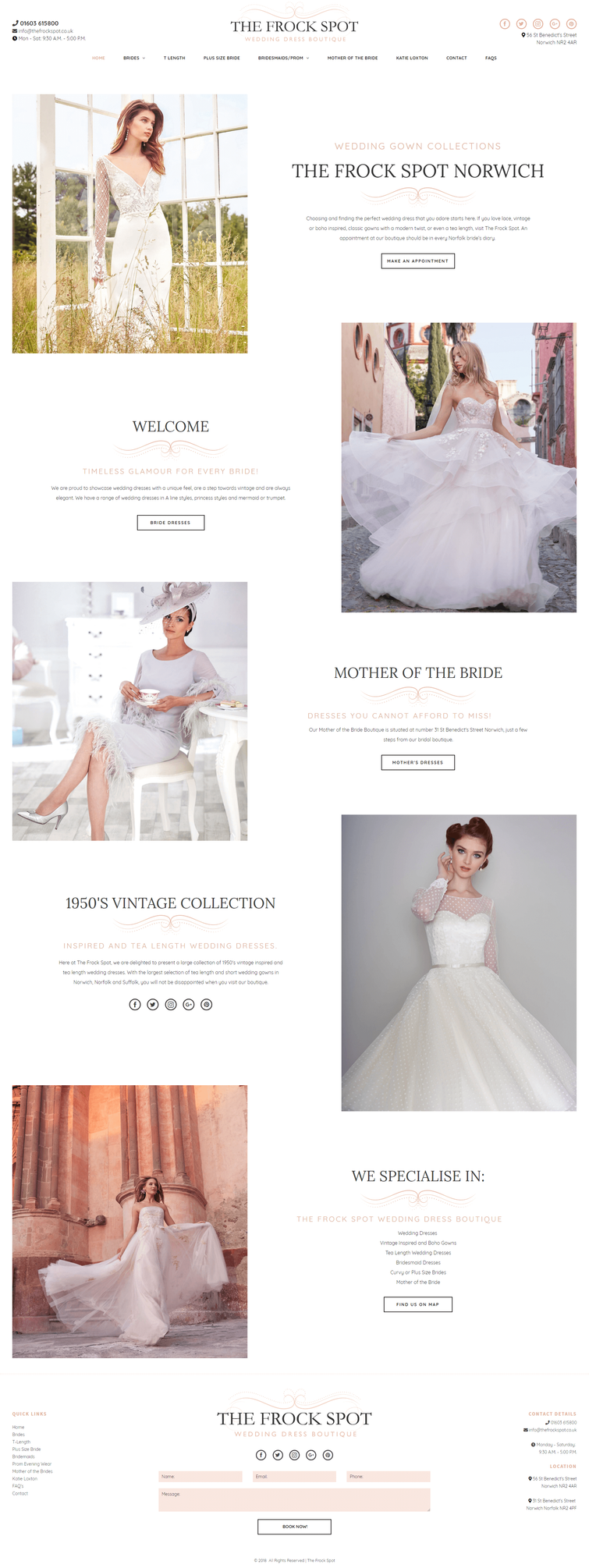
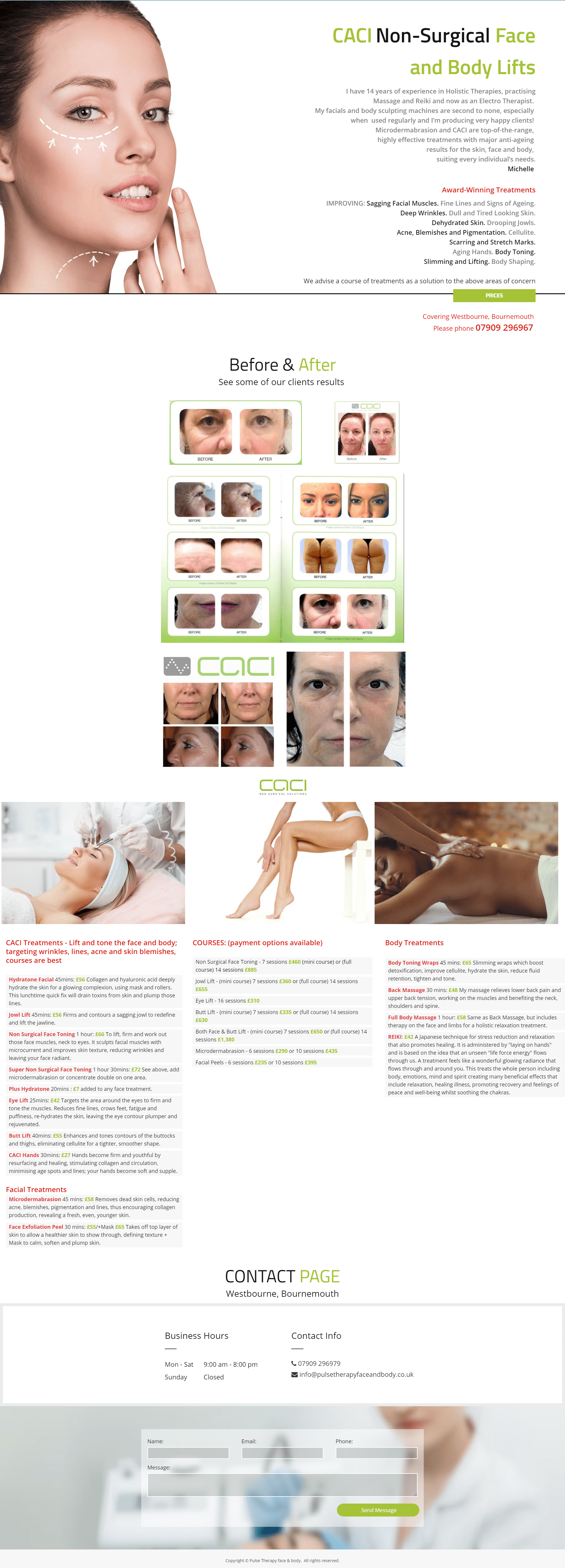
  • Only use relevant images. Users react to visuals faster than text, so make sure your content matches the supporting visuals. You should select images that have a strong relationship with your product goals and ensure that they are context-relevant.
  • Images Shouldn’t Create A Visual Noise - Don’t put a lot of effort in creating purely decorative images because people usually ignore such images. Instead, choose images that showcase the purpose of your product. 
  • Use High-Quality Assets Without Distortion- Make sure your images are appropriately sized for displays across all platforms. Cloudinary which enables you to interactively generate responsive image breakpoints. 
  • Image-Focussed Design Isn’t For Every Page Images that are used in user interfaces should support the product, but not obscure other important content or overshadow functionality.
  • Use Multiple Mediums Both illustration and photography can be used within the same product. Photography is ideal to showcase specific entities and stories. Illustration is effective for representing concepts and metaphors, where photography might be alienating.
  • Have A Point Of Focus - Avoid making the user hunt for the meaning in the image and ensure that a clear concept is conveyed to the user in a memorable way.
  • Show Real People - Human images are a very effective way to get your users engaged. When we see faces of other humans, it makes us feel like we are actually connecting with them, and not just using a product. Try to avoid crowd shots; use photos that have a single main subject instead. Strive for images that represent genuine stories. Take photos of your people doing interesting things. If you have a product, consider ways they can interact with that product.
  • Blend Images With Designs - When using images in your design, ask yourself if the images you’re taking will match the aesthetic of your website. 

IMAGE Size & Format

  • To be researched : https://developers.google.com/web/tools/lighthouse/audits/oversized-images

BUTTONS

These UI elements should always be designed taking into consideration recognition and clarity. Here are a few points to take into account when creating the buttons for your website:
  • Make buttons look like buttons - No matter what shape you choose (squared or rounded corners), be sure to maintain consistency throughout your interface, so the user will be able to identify and recognize all UI elements as buttons.
  • Label buttons with what they do for users - try to make these clear and distinct while taking into account the width of your buttons creating the labels.
  • Put buttons where users can find them or expect them to be and make sure the contrast between the background and them makes their spotting easier.
  • Make it easy for the user to interact with each button - take into account the width and height and padding between them.
  • Make the most important button clearly identifiable - you can use primary and secondary buttons to establish a sort of hierarchy for your user actions.
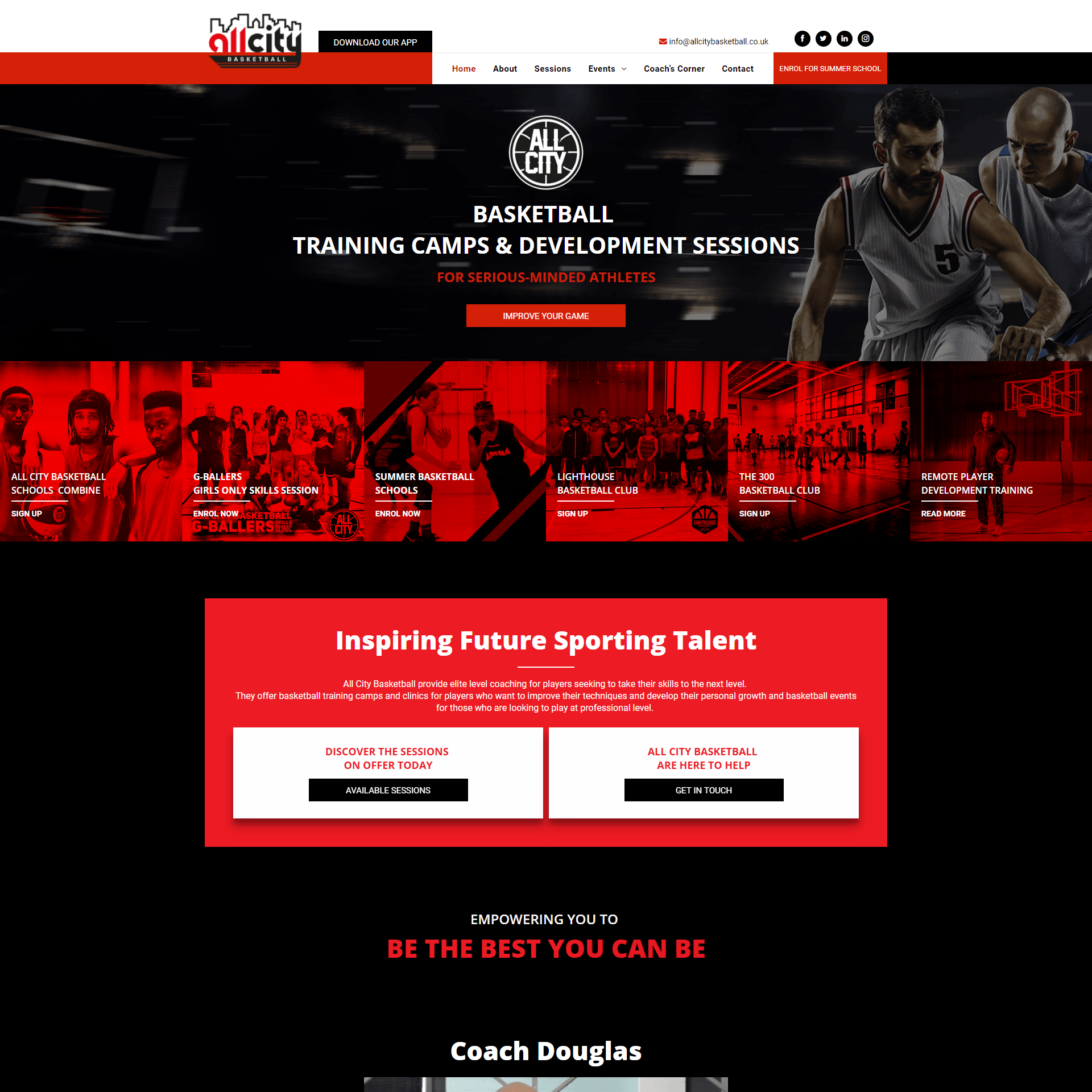
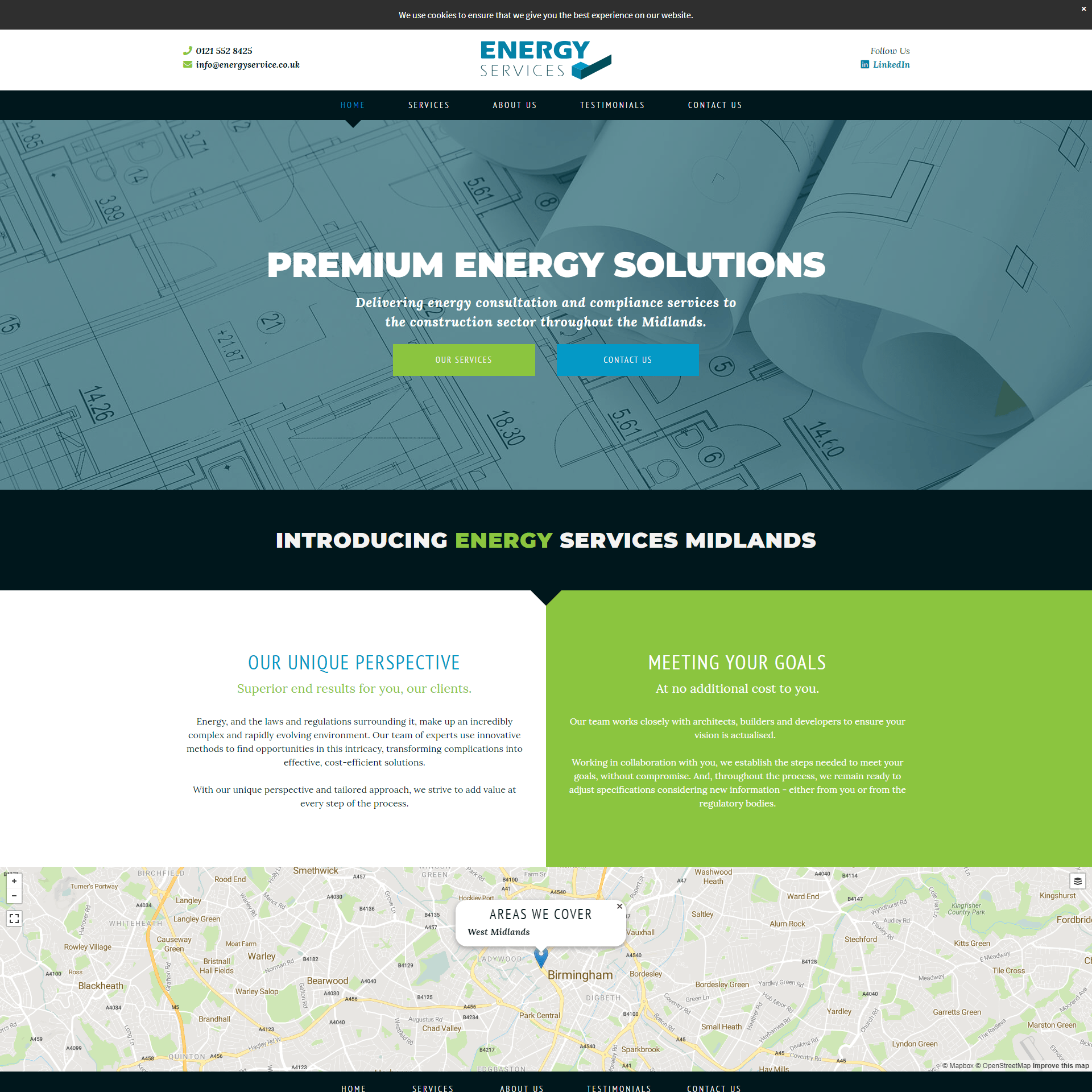
How to apply primary and secondary buttons to your OE Production workflow?
By primary and secondary buttons I mean setting a prioroty to the actions you want your user to take. If for example the main purpose of your website is to increase the number of bookings made online or for users to download your app, then consider using different colors for these buttons and be careful when choosing their placement.

Note: for calls to action that clearly state "Book", Book Now or Make a Booking, Make an Appointment - make sure these are linked to the actual booking form and not a general link to the contact page. Popups are best associated with labels like "Book now" where the feedback is instand when the popup appears and the expectation the user has is fulfilled.

SPACING

Spacing can be in the form of a grid used for a layout, spacing defined between headlines, buttons, images, forms and other elements. Getting spacing right is important because it gives more breathing room to elements, and consistent use makes your work look structured and professional. Good spacinng combined with proper content alignment can make a huge difference on your site.
DO
DON'T

FORMS - TBC

Is it OK to place a form in two columns?

Users complete web forms from top to bottom. Therefore forms with a simple vertical layout are always better than multi-column layouts. However there are exceptions to breaking the 'one column' rule. Users expect to see names (first and last name), dates (year, month and day) and time (hour and minute) written on a single line. Nonetheless, when putting more than one field on a line, they should be designed carefully.

Where should labels be placed?
  • Usually placed above the field, labels tell users what information belongs in a given form field. This is the most common label placement and, as validated by Google’s UX research, for good reason. It adapts better to smartphone sizes, which is essential for responsive markup.
  • Justify labels left - get more attention and won’t blend in with other fields. In addition, the contact form will take up less space vertically. But keep in mind that such an approach works well only for desktop views; for mobile, size is an issue (the screen is too narrow for both a left-placed label and field). That could cause trouble for users, who might not be able to see input data in full.
  • Interactive labels placed inside the field - The advantages of this approach are obvious: It saves space, and the animation is understandable to the user. But animation in forms is not always the best solution. It depends on the form’s context. If you working on a form with very few fields (a login or newsletter box), then top-aligned labels are not so necessary because there isn’t much information the user needs to recall. It works better on complex forms with multiple sections. Interactive labels placeholders win by a mile over static ones. When the field is clicked, the label moves up, staying visible, while the static one just disappears. [TBC: can we use interactive fields in wordpress websites using contact form 7 or beaverbuilder's form]
Can we use placeholder text instead of a label?

Some forms replace field labels with in-field placeholder text to reduce clutter on the page, or to shorten the length of the form. While this approach is based on good intentions, placeholder text within a form field makes it difficult for people to remember what information belongs in a field, and to check for and fix errors. It also poses additional burdens for users with visual and cognitive impairments.

Reasons to avoid placeholder text:
  1. Disappearing placeholder text strains users’ short-term memory.
  2. Without labels, users cannot check their work before submitting a form.
  3. When error messages occur, people don’t know how to fix the problem.
  4. Placeholder text that disappears when the cursor is placed in a form field is irritating for users navigating with the keyboard.
  5. Fields with stuff in them are less noticeable.
  6. Users may mistake a placeholder for data that was automatically filled in.
  7. Occasionally users have to delete placeholder text manually.

Placeholder Text in Addition to Labels

Using placeholder text in combination with form labels is a step in the right direction. Labels outside the form fields make the essential information visible at all times, while placeholder text inside form fields is reserved for supplementary information. However, even when using labels, placing important hints or instructions within a form field can still cause the 7 issues mentioned above, albeit with less severity. If some of the fields require an extra description that is essential to completing the form correctly, it’s best to place that text outside the field so that it is always visible.

Use placeholder text for Newsletter subscription forms.

How to lessen the cognitive load of a form?
  • Mind the spacing - The field and label should be visually grouped, to avoid confusing users and so that they can understand which label belongs to which field. Make sure to avoid loose padding, where labels are placed equal distance between two fields.
  • Auto focus the first input field [TBC: in WP this features comes with most forms - test and see. In duda test if possible ]
  • Never use Caps - especially in forms that include three to four fields. All-capitalized letters are hard to read. Also, they give the appearance of shouting.
  • Name the button to explain what it does, rather than using a generic label (like "OK").
  • Separate the Primary Actions from Secondary Ones
  • Emphasize the buttons - Don’t make the button active until all form fields are completed. This can be a great solution to help the user visually check their data before sending. [TBC: Test for a workaround in duda \ check for wordpress]
  • Add Autofill
  • Maked Inputs - This is a plugin that automatically formats a field. Such a solution well suits dates, times, mobile numbers and more. This plugin makes filling a form much easier. [TBC: test in Wordpress]
Label placement -  Left aligned field labels

Book a car

By checking, I agree to share my form responses.
Placeholder text can make it difficult for people to remember what information belongs in a field, and to check for and fix errors. 

Book a car

By checking, I agree to share my form responses.
Label placement- above the input field. 
Form is easier to read and fill.

Book a car

By checking, I agree to share my form responses.
Make use of the <fieldset> and <legend> html tags to group information and ease user cognitive load. <fieldset> and <legend> is recomended when the there is a considerable amount of information to be collected via your contact form

Book a Car

Customer Info
Pickup Info
Car requirements
By checking, I agree to share my form responses.