Footer TEMPLATES
INTRO
In web page layout, footer is located at the bottom of each page. The footer is meant to offer additional navigational assistance and is highly visible to users. A footer is where users go to quickly get the information they need without having to sift through an entire pages’ worth of content, which could take minutes. With a limited amount of space, the decision regarding what to include in your footer can be quite challenging. Below are a few suggestions most professional web developers would agree are essential to include in a website footer.
Information to add to a website footer
Contact Information
This is the most critical piece of information in the website’s footer. Most users who scroll down to the bottom of a website are looking for a phone number, email address, or physical address so they can get in touch with or visit the business. Make sure this information is displayed clearly in easy-to-read font and colors that don’t conflict with each other.
Social Media Icons
If the business has a social media presence and the client wants others to know about it, then adding social media icons to the footer is a great way to improve the brand’s online visibility. Pro tip:
ensure that when users click the icons a new window opens so as not to divert traffic off of the website. Depending on what type of content management system you are using, you can also add a real-time social media posting feed.
Reviews
According to a report 45% of consumers read product and service reviews before making a purchase. So, aside from ensuring the business is on third-party reviews sites, don’t forget to include a positive review in the footer of the website. The idea is to build trust in users who are researching by including a real review a past customer left for the business. Feel free to link the review in the website’s footer to an internal Reviews or Testimonials page.
Interactive Map
A map is always a useful piece of information to have available on the website. Using a Google Map, users will be able to add their current location or home address as the starting point, ultimately saving them the time of having to type in your business address themselves.
Login Prompt
If you are building an e-commerce site or a website that involves users needing to set up an account to use your products or services adding a login prompt to the footer is a great way to allow your returning visitors to quickly log in to access saved products, services, or information. Having the same login feature on both the top and the bottom of your website ensures that no user will miss this crucial online user experience. Users can get frustrated quickly and leave a site if they can’t find what they are looking for, so repeating the same information is sometimes necessary.
Newsletter Signup
Email and newsletter sign-ups are commonplace in website footers. Anyone looking to build their email list for a successful email marketing campaign should look to include newsletter signup boxes at the bottom of their website. The idea behind this footer option is that if your website’s body content is good, your users are more likely to want to read more of what your business has to say. Don’t forget to use a catchy call-to-action, such as “Give me more news!” or “Be the first one to get updates” so that the experience feels more personalized.
Company Logo
One feature you can add to the site’s footer is the company logo. As long as the business has a designed logo that is legible and looks great against the site’s chosen background colors, then adding a company logo should be no problem.
Awards & Certifications
Whether the client is a contractor, a small local business, a national retailer, or a corporation — there is always an industry award to display.So if the client has awards to show his hard work and dedication, then show them off in the website’s footer. Certification not only builds user trust in the company but also sets the business apart from your industry competitors.
Mission Statement
The best place to put a mission statement is in the footer. Just keep in mind that the mission statement should be brief (a short paragraph) so that the footer isn’t stretched further down the page. If the mission statement is more than a couple of sentences, then it's recommended putting the full version in your “About Us” page and including an abbreviated version at the bottom of the site.
Recent Blog Posts
Many users may skip clicking on the “Blog” link on a site’s main navigation menu in the header, so it is a great idea to display the latest 3-5 blog posts in the footer to catch the user’s attention. Writing blogs with catchy, click-able headlines is another excellent way to draw users further into your site and learn more about the business product or industry. Pro Tip:
add a newsletter signup section just below or right next to the recent blog posts section in the footer so users can quickly sign up for new articles.
Call to Action
Having a brightly colored and prominent call to action in the footer is bound to give the client those extra monthly conversion numbers. For charities or non-profits, try adding a “Donate Now” button that directs users to the donation page. If the client is a contractor, add a “Request Service” button that leads to the Contact Us page. Get creative with the call to action slogans and the button color choices to see which drives the most revenue. Pro tip:
You can add a short contact form instead that includes Name, Email, and Message as input fields for the user.
Navigation Menu
For larger websites, it can be quite easy to have a complicated top navigation menu. Many e-commerce sites will have main menus, sub-menus, and sub-menus in sub-menus, and so on. Adding a footer navigation menu that is meticulously curated to include only the most important landing pages on your site can help users better navigate to the content or products they want to see. This footer menu is especially helpful if you don’t have a site search bar. Your footer menu can also include pages that are still important, but less relevant to your product or service, such as FAQ, Blog, Privacy Policy, About Us or language selection links.
Copyright, Privacy Policy & Terms of Use
A copyright sign with the current year can easily be added to the footer of your site as well.
Footer 1
Simple Footer
This type of footer can be used for simple websites
like One Pagers (Landing Page Packages)
or Lite Packages. This type of layout is used to display the basic information
like contact details - phone number, email address
or the address. The navigation menu
can help users better navigate
to the content or services they want to see. You can also place here social media
icons or links if the business has a social presence. Pro Tip: If the client has only one social media account it's not appropriate to display just the icon, try adding the page or profile link next to the icon.

Preview footer 1
 Preview Footer 2
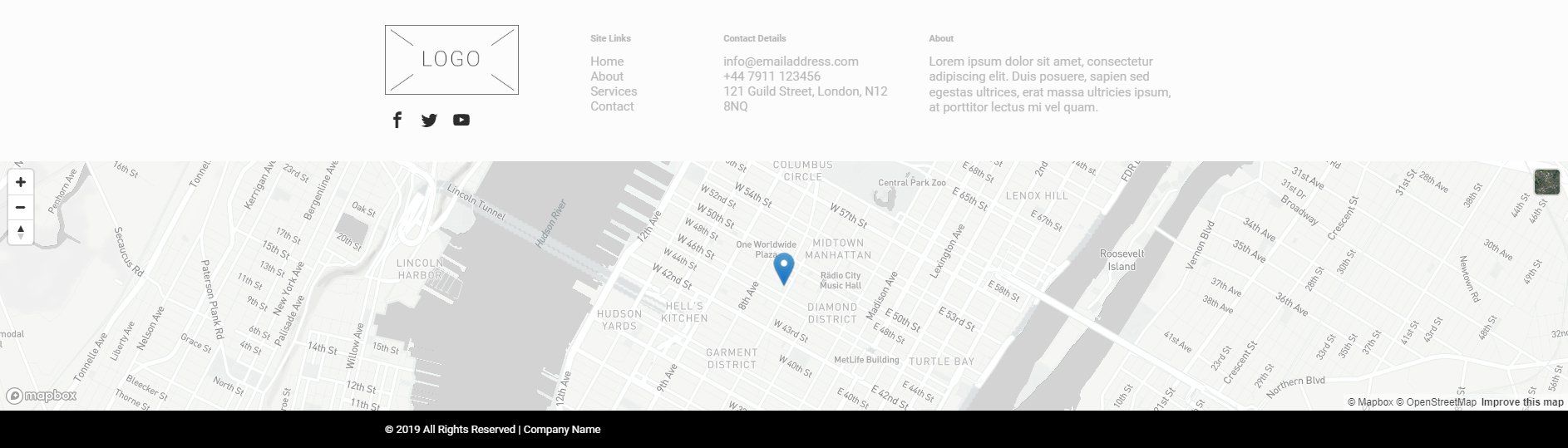
FOOTER 2
Complex Footer
This type of header can be used for complex websites
like Pro Packages
because on this type of projects you have more common information
and contact details
and the possibility to add information in the footer area and create a complex footer design.
A short business description can be added in a complex footer, this section could easily replaced with a Contact us section
with a creative with the call to action slogan and button, a "Request Service" button
triggering a contact form or a "Donate Now" button.
A map is always a useful piece of information to have available on the website.
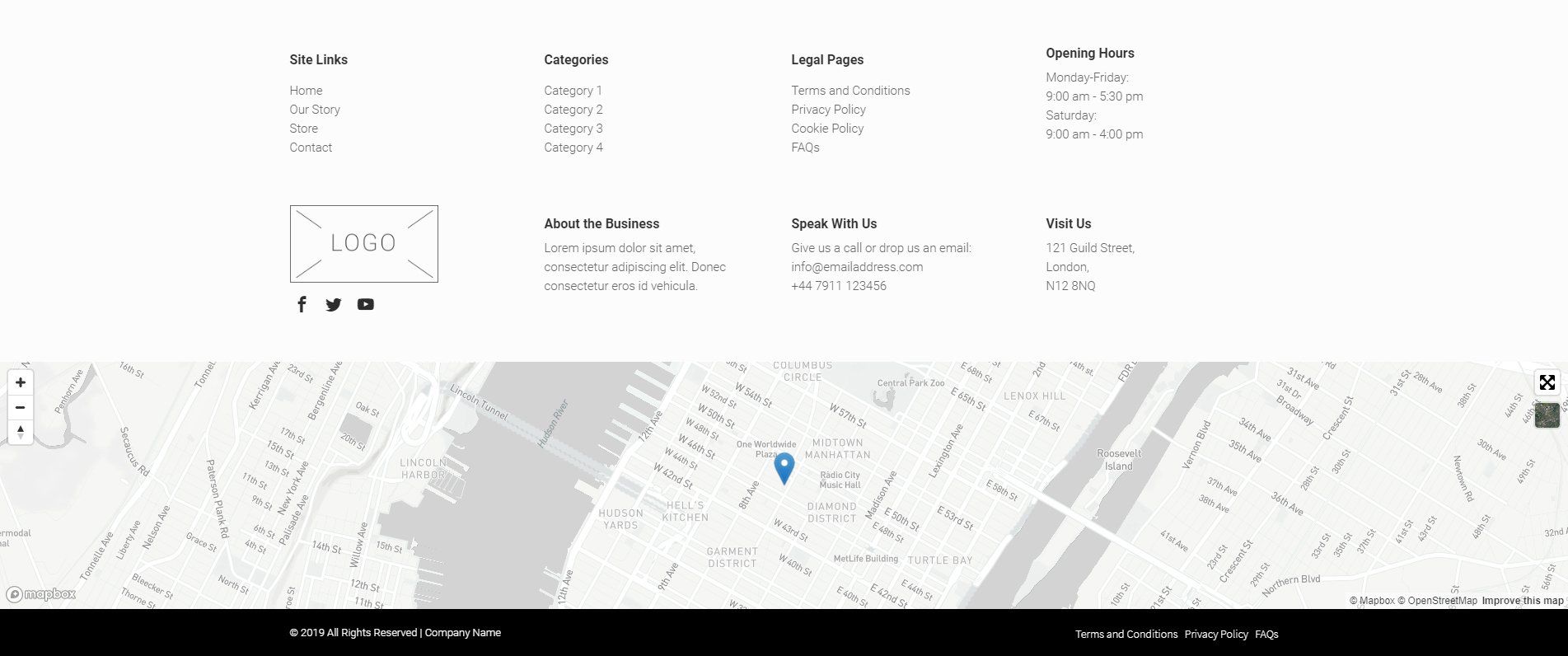
FOOTER 3
This type of layout can be used for complex websites included in packages like E-Commerce Packages.
This template is more focused on enhancing the main focus of an E-Commerce
website that is to sell.
This layout has the categories
displayed on a column in order to make the store partitions
be more accessible
for the customer, has the social icons
displayed as well, to promote the products
and the store on social media. If the store has a
physical store you could add on the footer opening hours, address and an
interactive map.Another common component in this type of footer layout is a link to a privacy policy
page. This page details the website’s policy on information, such as what is collected, how it’s stored, how it might be used
or privacy policy. Some websites may need a privacy policy page because it’s required by law or a third-party service.
A “Terms of Use” page is similar and explains what the visitor agrees to when visiting a website.
Complex E-Commerce Footer