Around the web
Article by: Lateș Iulian
OVERVIEW
This section of the website it's aimed to give you some useful links that will somehow help you in your website build making it easier for you to integrate some features. It is a shortcut that will make you faster. If you would like to see other things in the list below, please message me, and I will update it with the given links.
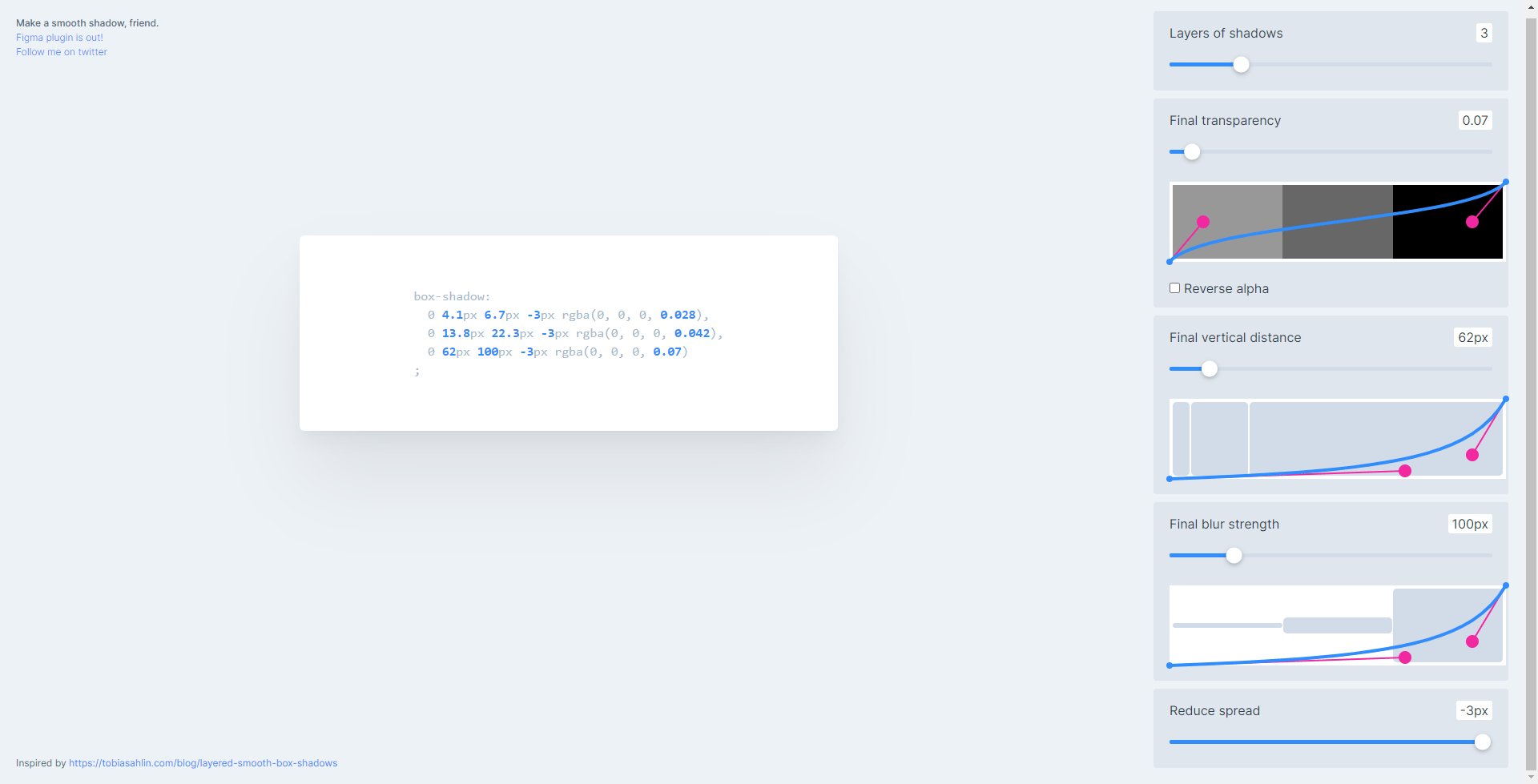
SHADOW GENERATOR
This one is a very nice shadow generator, if you want to have more detailed and good looking shadows on your website, this tool will help you create exactly that. This tool will let you visually modify the number of shadow layers, the transparency, the distance, blur strength, the shadow spread, and so on. Give it a try.
Neumorphism
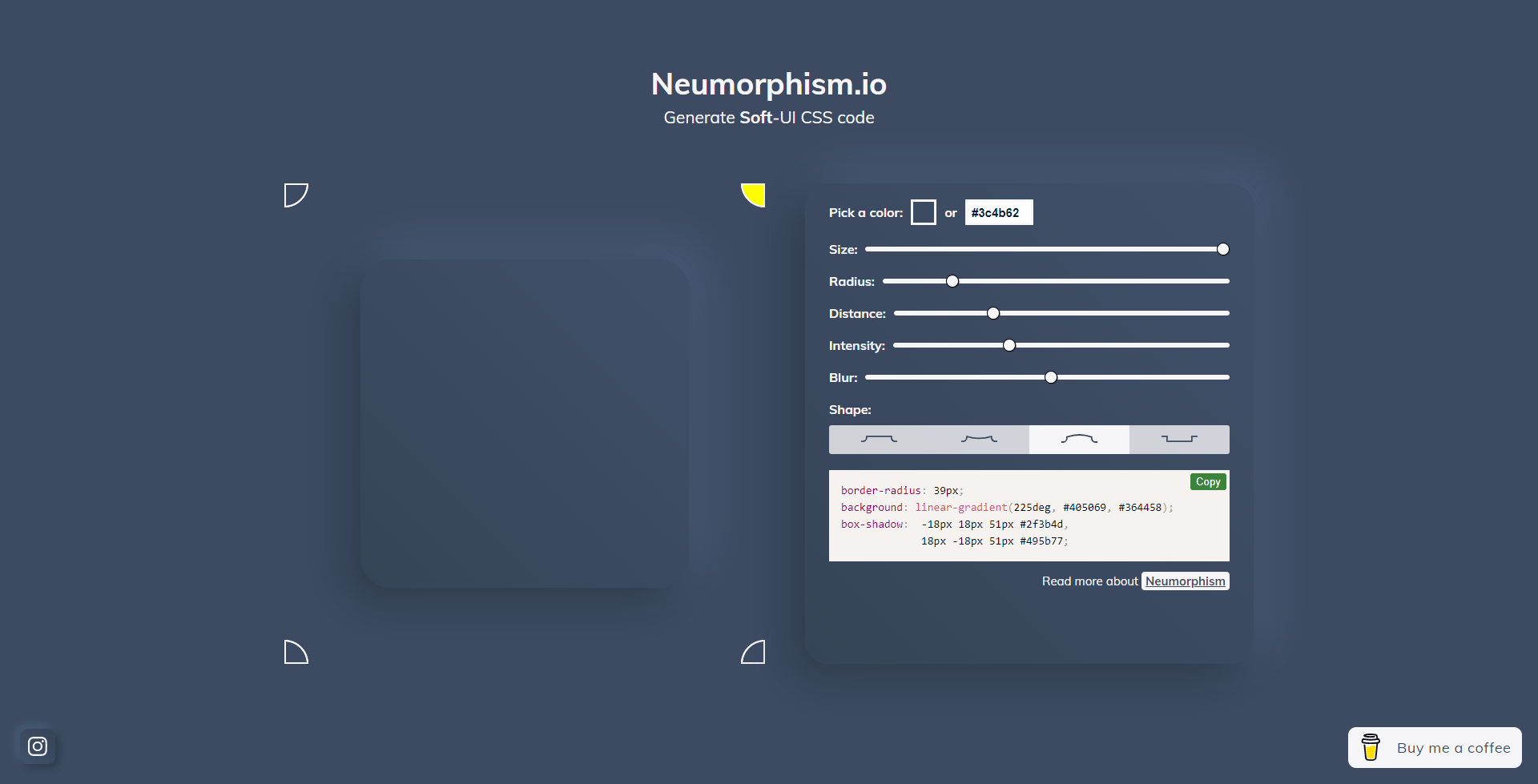
Neumorphism is a minimal way of designing an extruded plastic look. It is "almost as if the interface has been vacuum-formed". The effect is really hard to describe so take a look at the image below. This tool will let you control the color, size, radius, distance, intensity, blur, and shape and it will give you a CSS code to place on your website.
Shape Divider
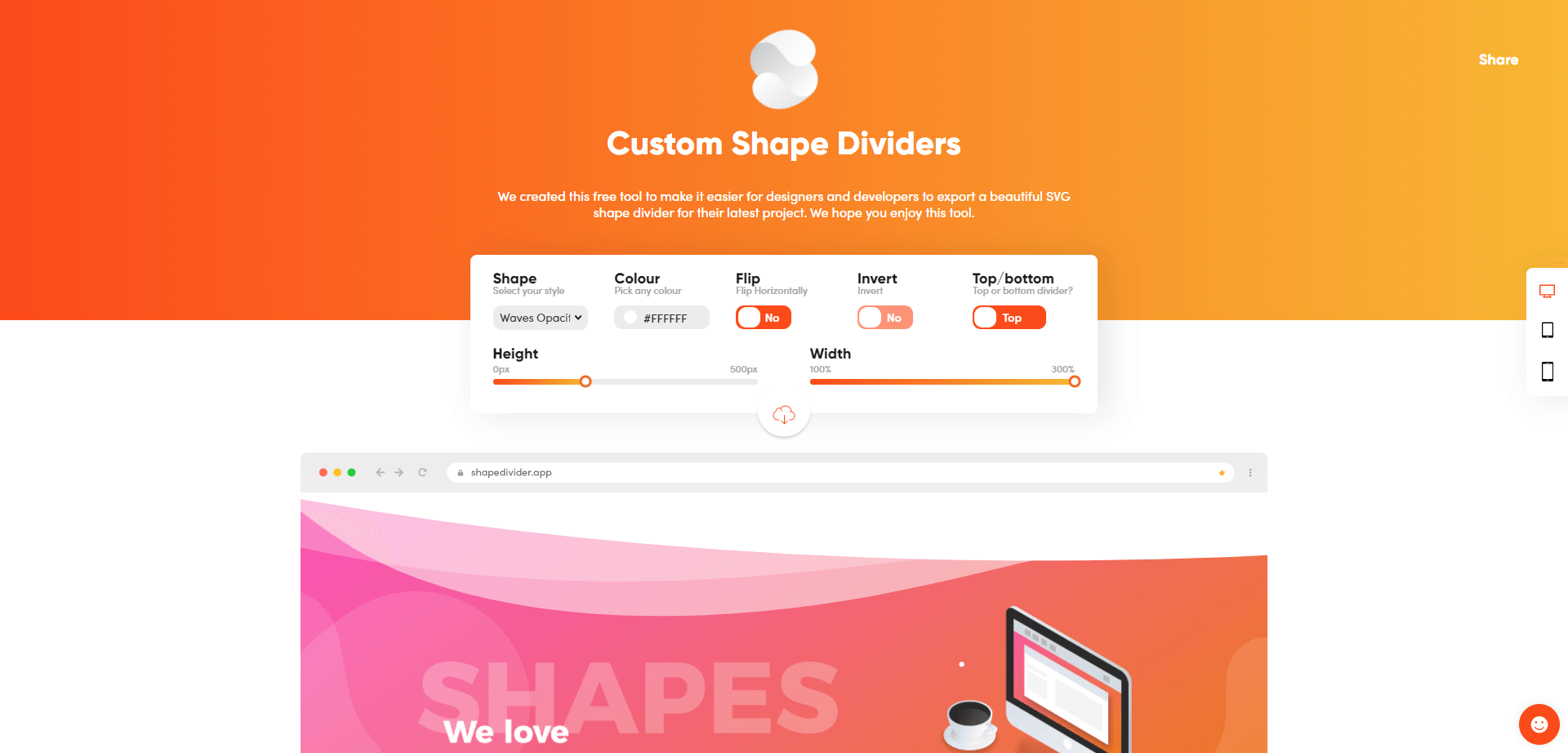
If you ever wanted to create tilted sections on your website, or maybe have a wave or a semi-circle as a beginning of a section, this is the tool to use. You can use different types of shapes such as waves, curves, triangles, tilted, arrow, book. You can also flip the shape, invert it, or chose if you want to have it on the top or bottom of the section. You can also set the height and the width. This is best placed in an HTML widget on Duda.
CSS Gradient
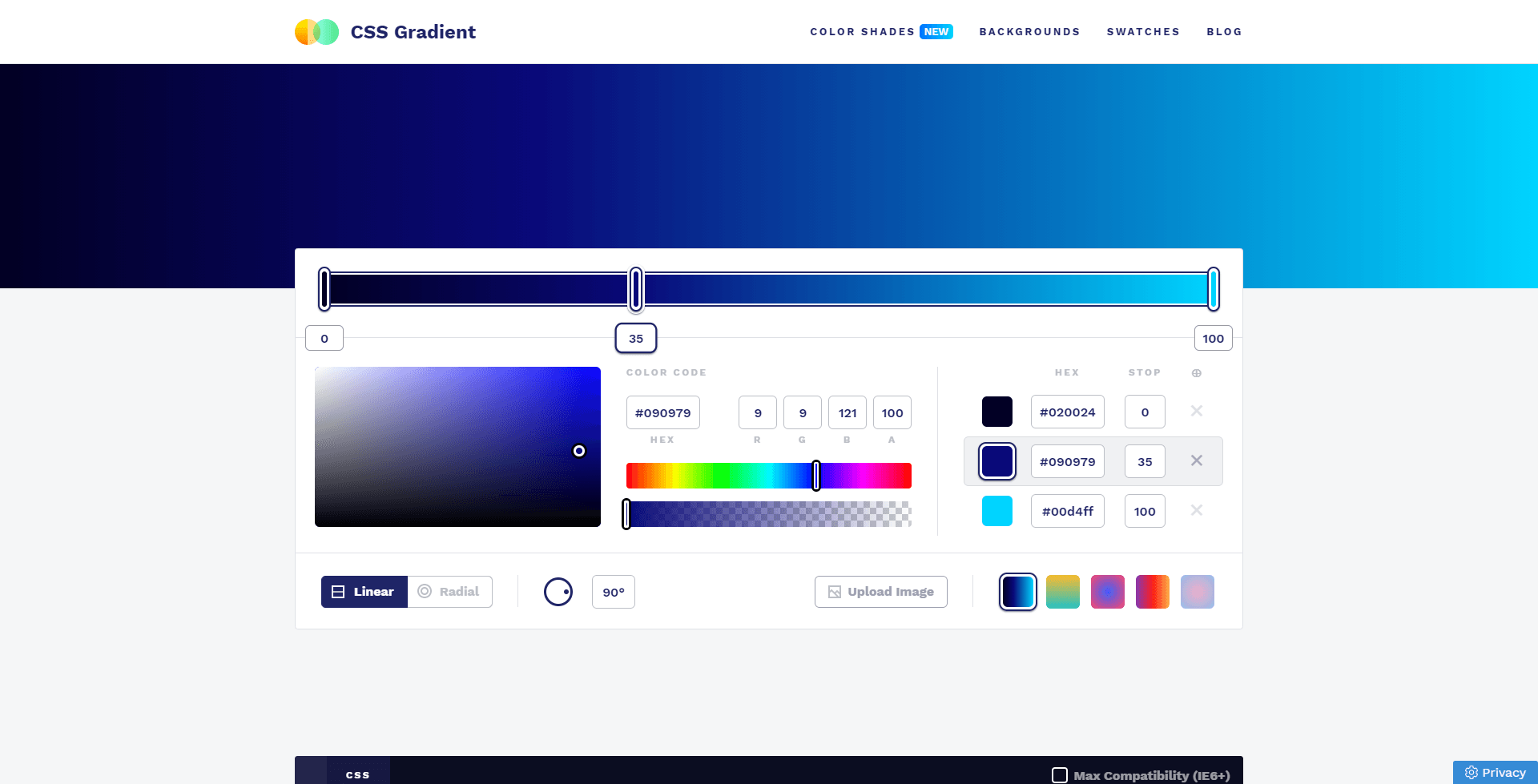
CSS Gradient is a happy little website and a free tool that lets you create a gradient background for websites. It is as easy as it looks, you chose the colors that you want. How many color transitions you want, the transparency, you can even choose to make the gradient radial or linear, select the angle, place hex codes for colors, and so on. It is a very in-depth tool.
CSSFX
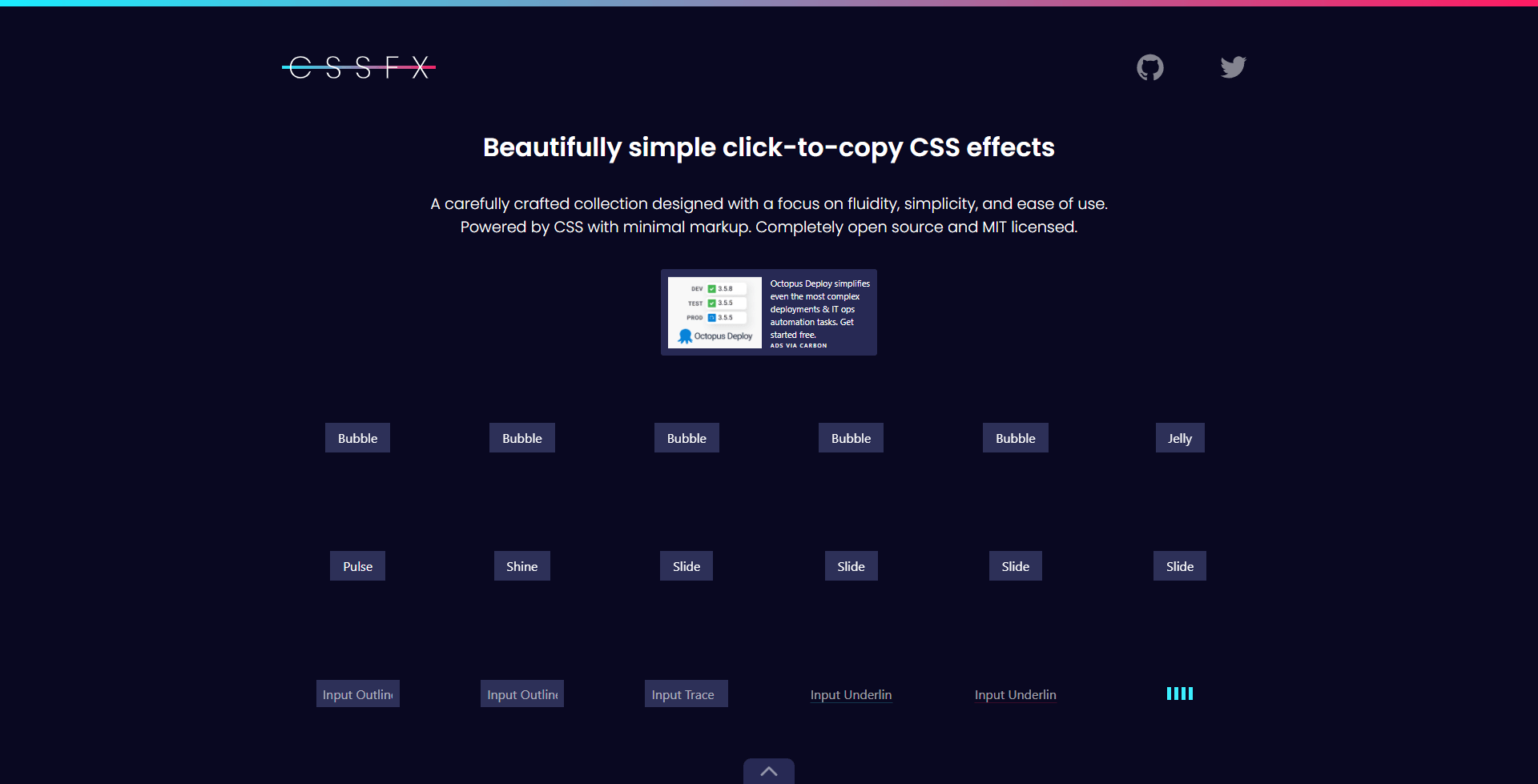
CSSFX is an online library with lots of CSS loading animations and hover animations. It is easy to use and gives your website a more professional look.
CSS Clip-Path Maker
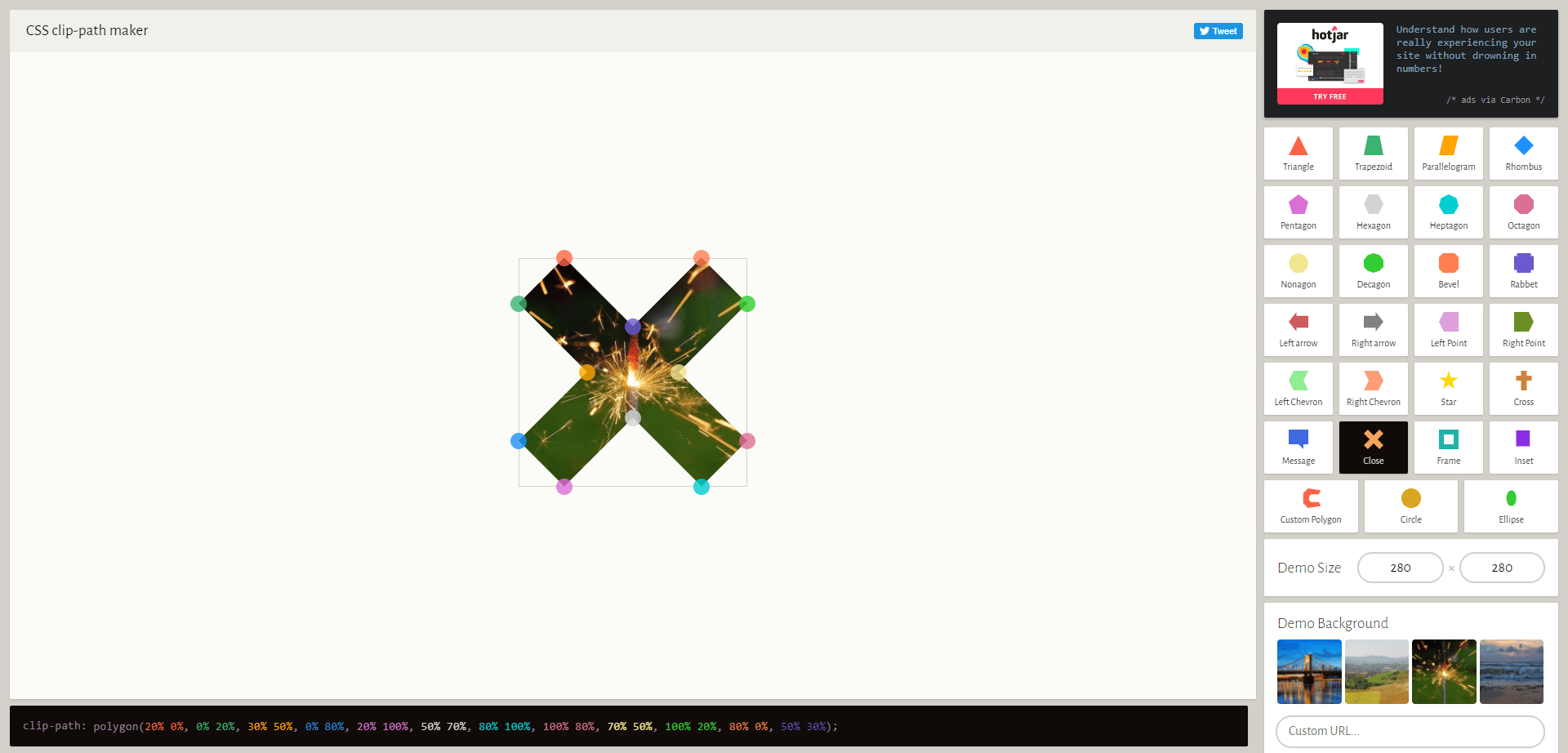
The clip-path
property allows you to make complex shapes in CSS by clipping an element to a basic shape (circle, ellipse, polygon, or inset), or to an SVG source.
CSS Pie Chart
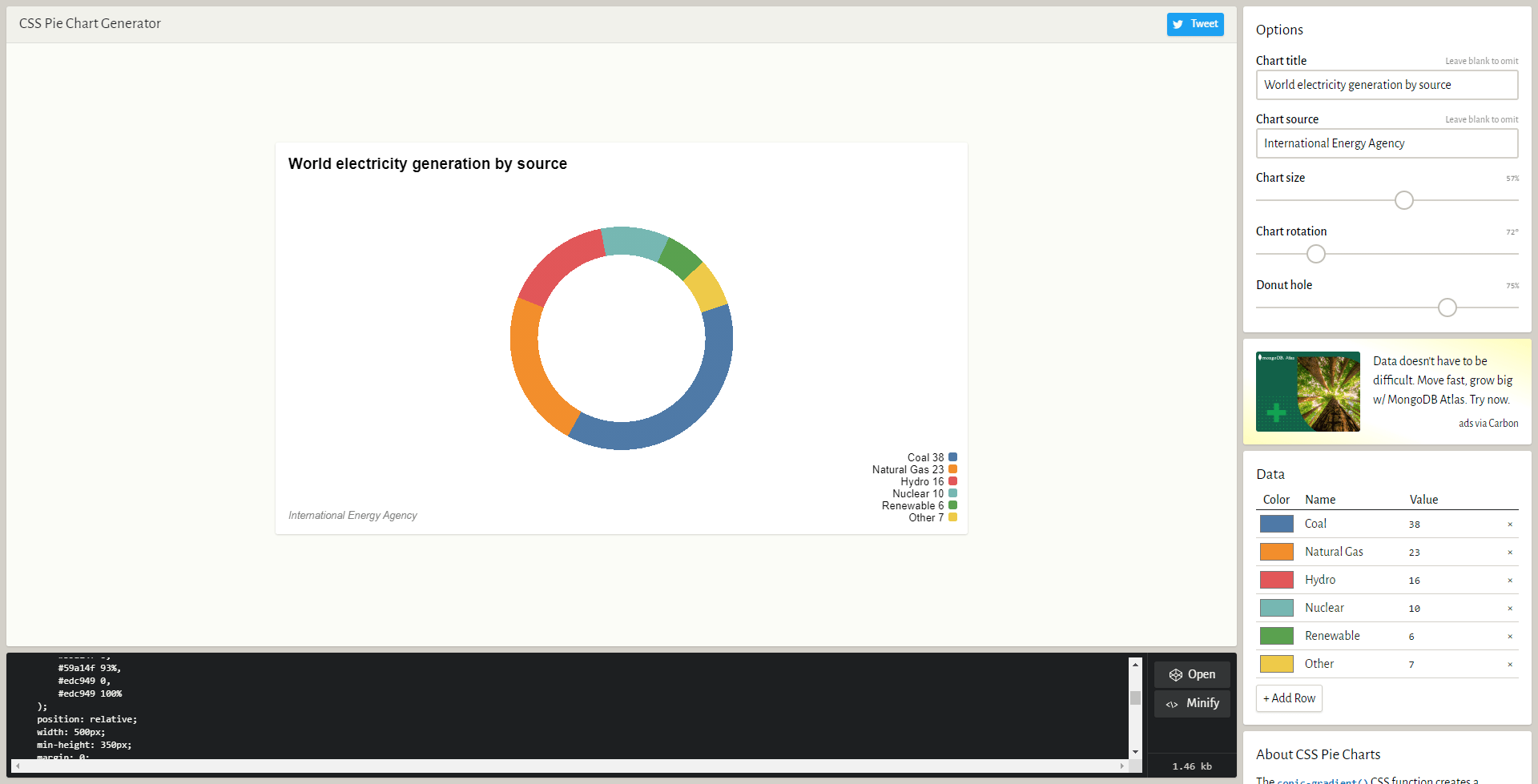
The CSS Pie Chart is easy to use too and a very complex one. You can place on Duda through the HTML widget and as you can see from the image below, you can set the title of the chart, the size, rotation, the hole inside the chart, the colors, values, and so on. This will generate an HTML and a CSS code easy to place and get going. This might be a useful tool even though you might rarely use it.
FLATICON
You should probably know this but I have placed it here anyway. Flaticon is a huge icon library, you can search for icons, edit them inside the website, create collections, and has many other features. It is the perfect website to use if you want to download icons and add more variety to your website.
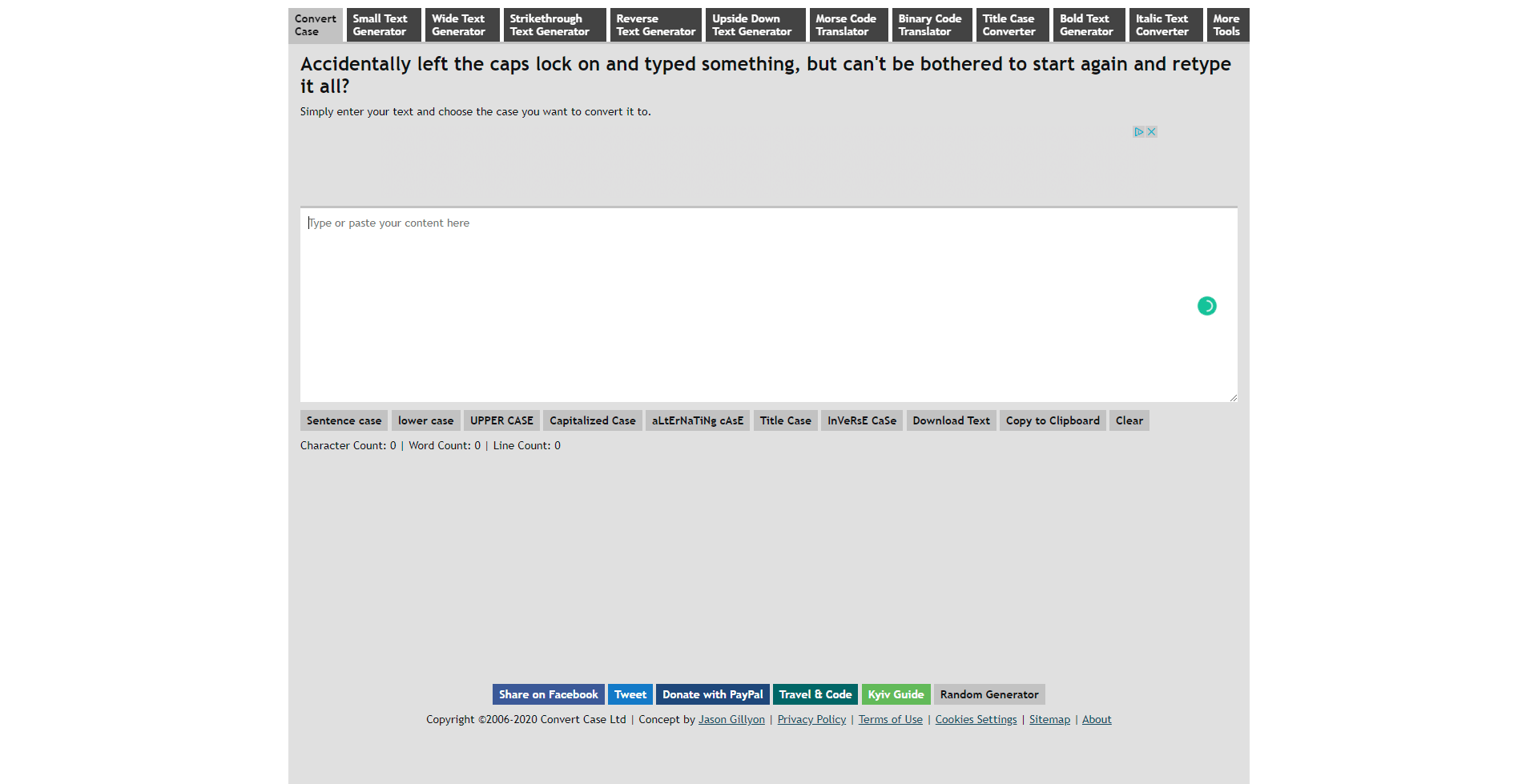
Convert Case
A very handy online text tool where you can change between lower case and upper case letters, where you can capitalize, uncapitalize, convert to mix case and transform your text. You can see a more in depth documentation about this one on their website.
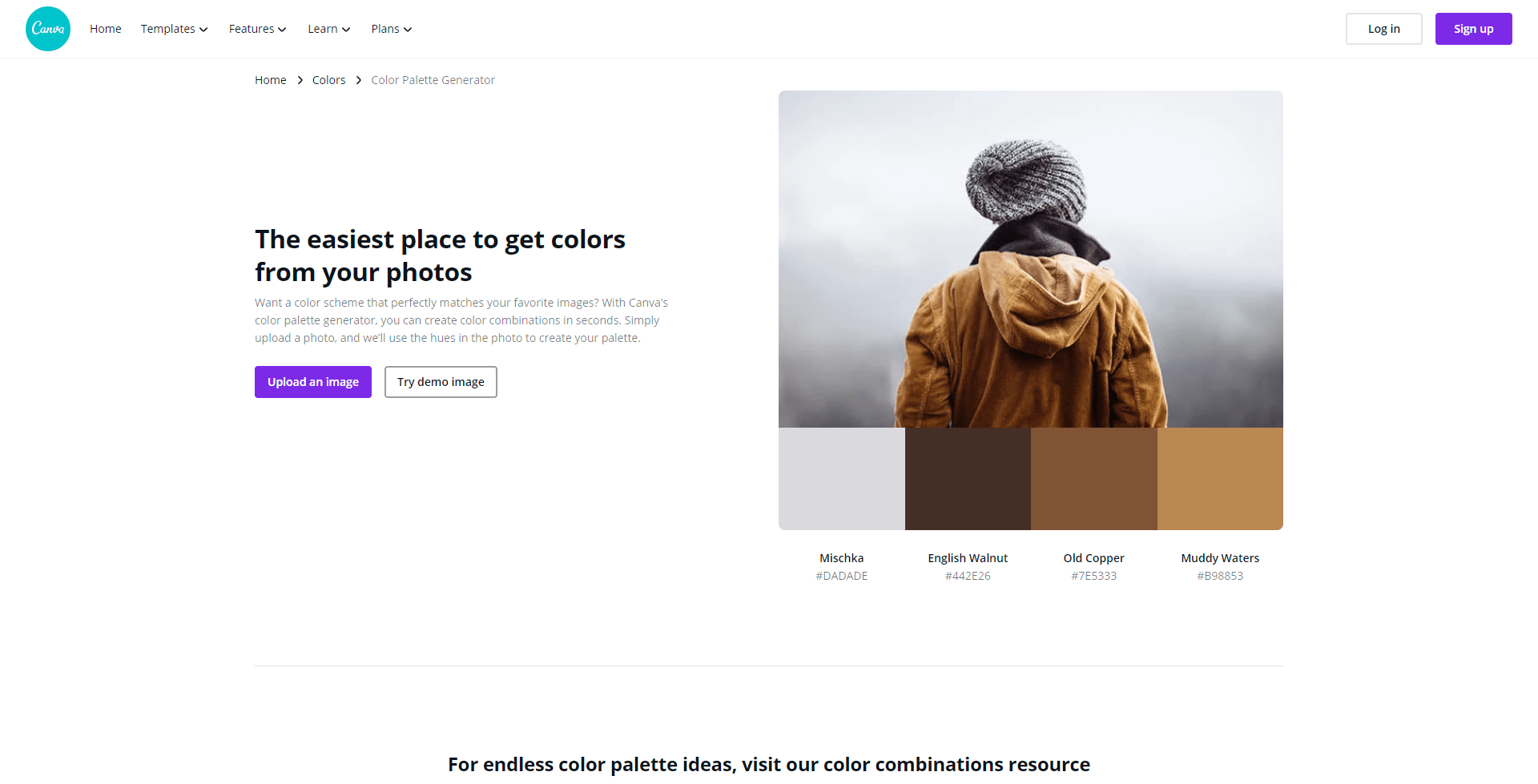
Canva Color Picker
If you are in need of quickly creating a color palette for a client and you have to do it by image, this website will let you do exactly that. There is no need for an explanation for this one, just upload an image and save your palettes.
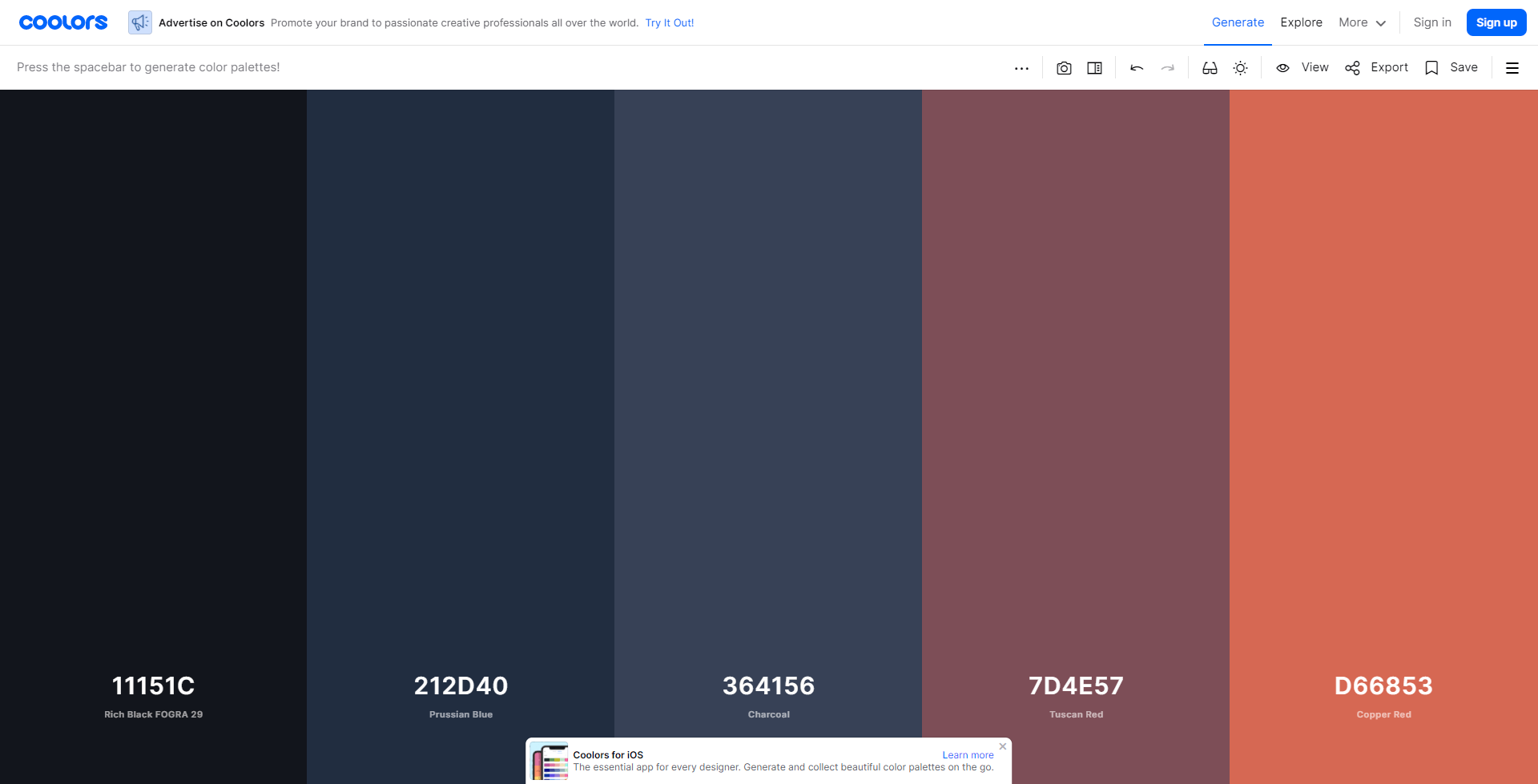
Coolors.co
If you don't fancy the color generator from above, you can work with this one. Coolors.co is a more complex way of creating color palettes. You can tap the space bar to generate random colors, if you like a few you can lock them in place and then tap the space bar again to generate new random colors. Also, you can pick each color one by one, you can select different shades for certain colors, and so on. There are lots of options with this one, try it out.
BLOB MAKER
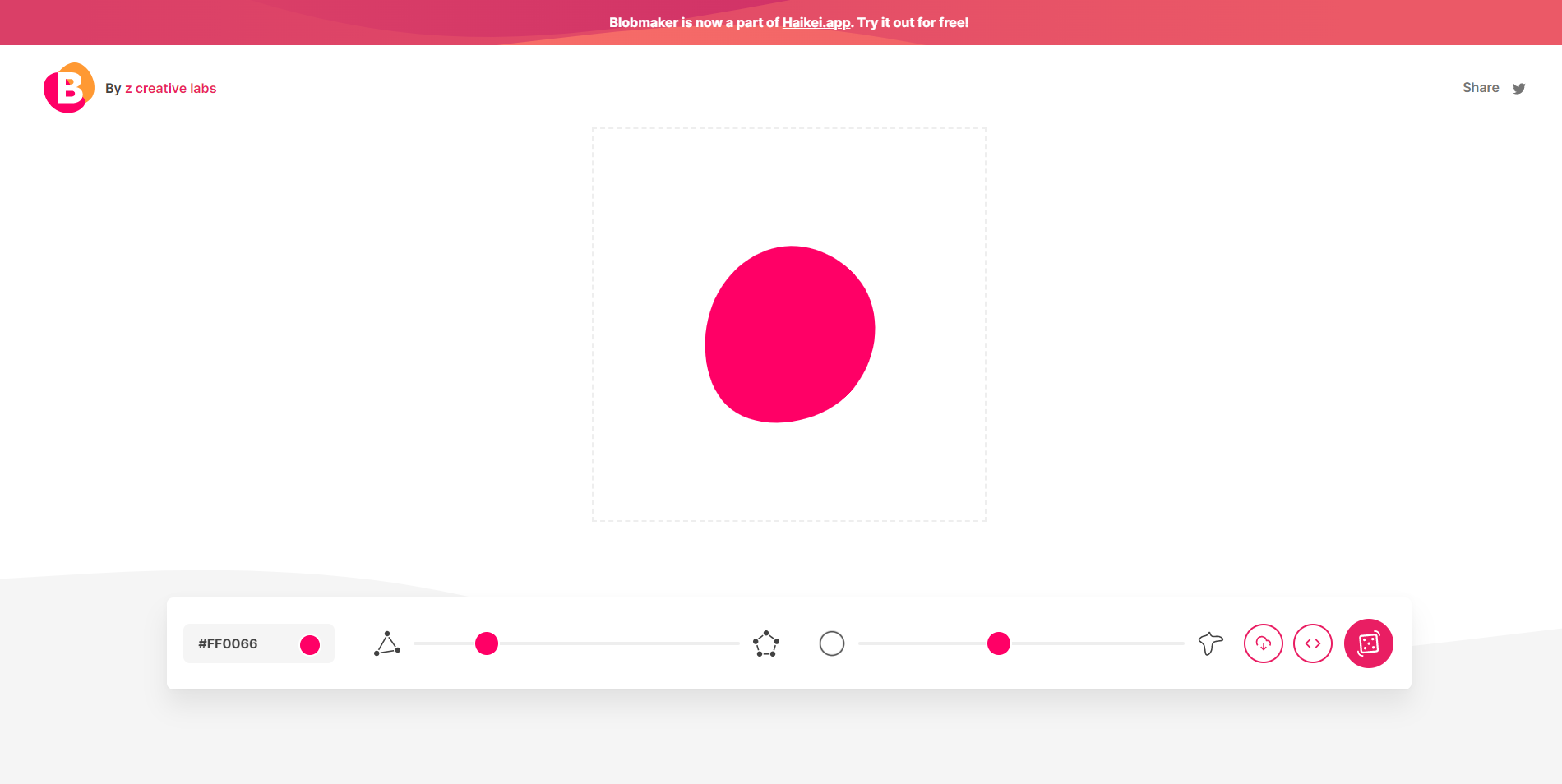
Blobmaker is a free generative design tool made with 💕 by z creative labs, to help you quickly create random, unique, and organic-looking SVG shapes.
From landing pages to illustrations, blobs are everywhere! Creating smooth, organic-looking shapes can be difficult, especially when you need many different ones. Blobmaker makes it easy to create unique blob shapes based on random data.
Modify the complexity (number of points) and contrast (difference between points) to create different types of organic svg shapes. Press that dice button until you find a blob you like and download it as an SVG or copy the code directly to your clipboard.